GPaste 51.0 released
by Marc-Antoine Perennou on September 15, 2026
It’s available there, get it while it’s hot!
This release targets GNOME 51.
If you’re looking for the legacy applet/tray-icon, it’s available here.
What’s new?
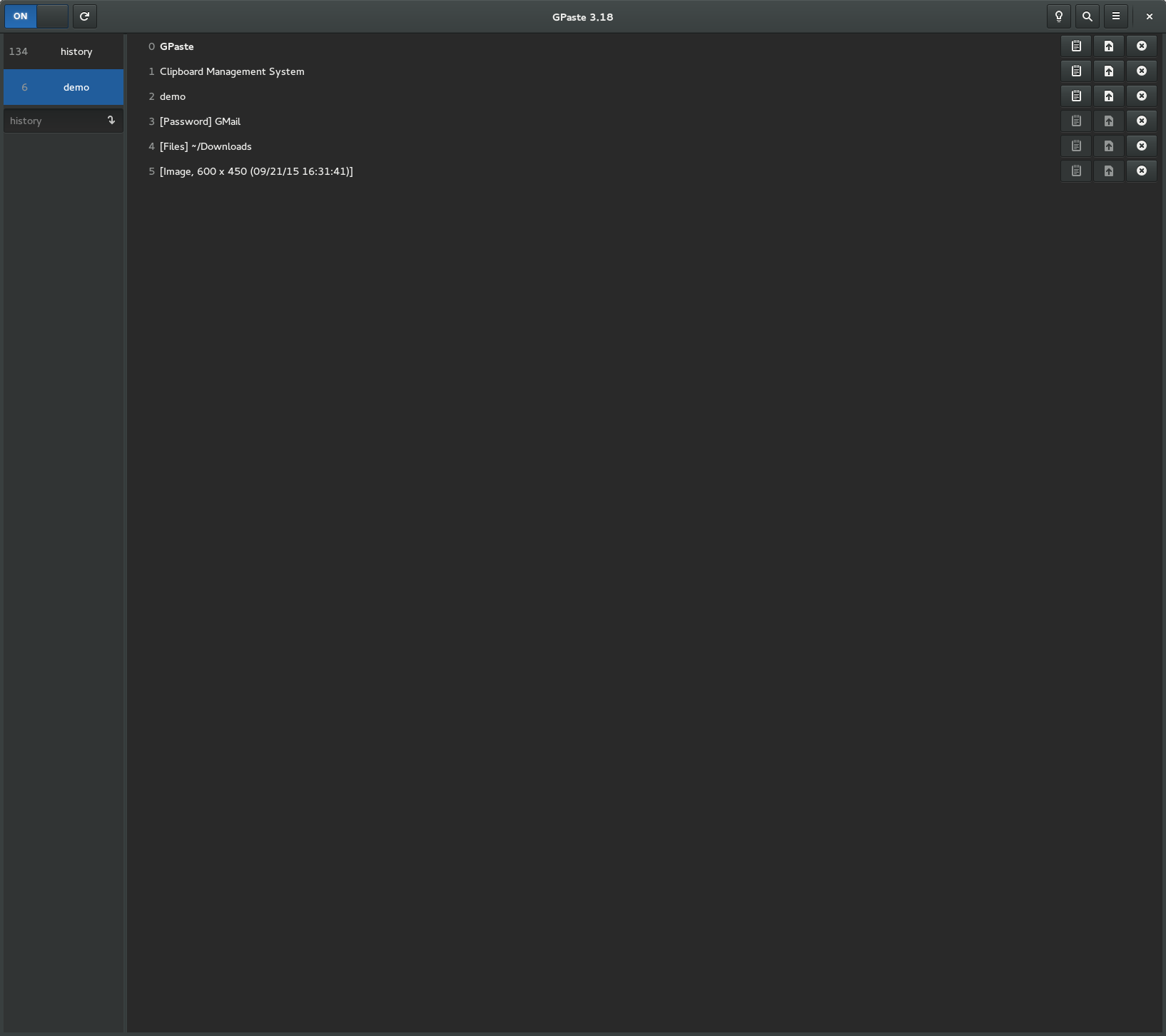
This is the first stable release of GPaste 51. On top of everything 51.beta brought — the new history view, the redesigned graphical tool, encryption and SQLite storage — it lets you manage your histories straight from the GNOME Shell menu, and GPaste finally has an icon of its own.
New since 51.beta
- Manage histories from the GNOME Shell menu: switch, create, delete, empty and back up
- Give the GNOME Shell menu rows the graphical tool’s layout, with pin and delete shown on hover or focus
- Add passwords directly from the graphical tool’s New button
- Strip the rich text from an item, keeping its plain text
- Choose the command used to upload an item to a pastebin
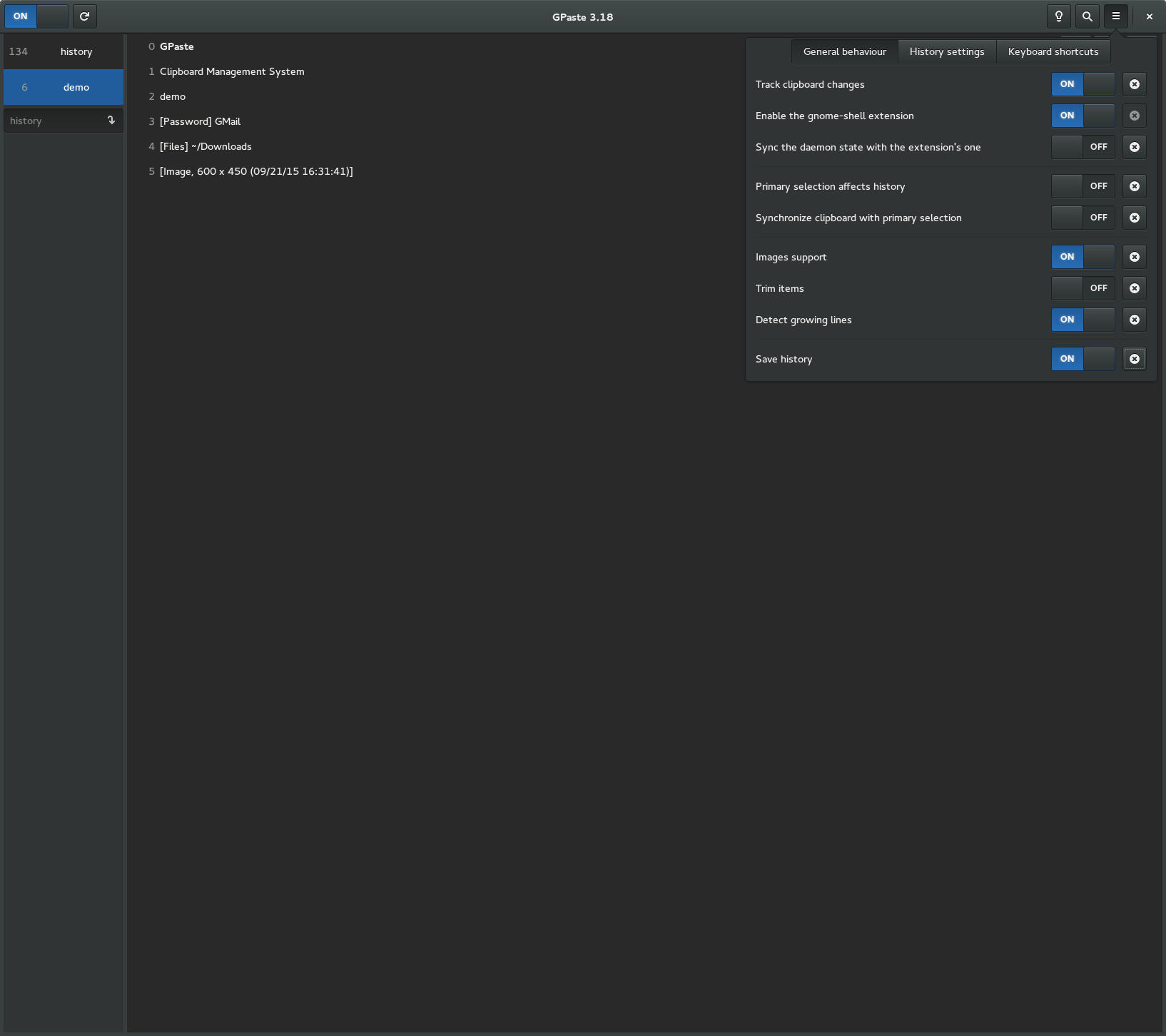
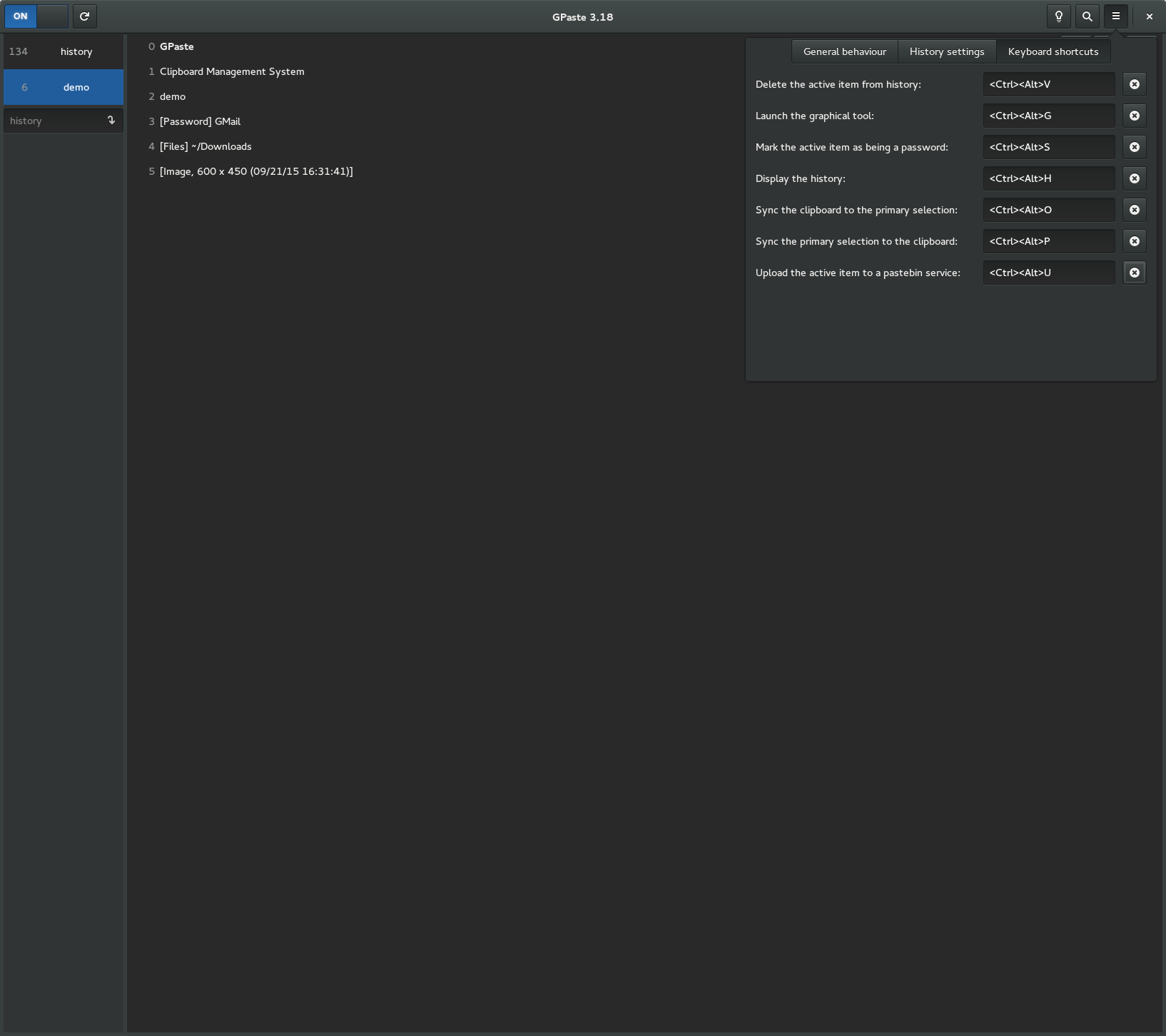
- Add a setting to turn every global keyboard shortcut off
- Only offer the GNOME Shell preferences where the extension is installed
- Give GPaste an icon of its own
- Keep a single entry for a password copied twice
- Refuse a new password whose name is already taken
- Make scrolling through a history full of images lighter
Fixes
- Fix two quick copies sometimes landing in the history in the wrong order
- Fix the global shortcuts under the portal not picking up edited accelerators or Super
- Fix a damaged SQLite history being loaded partially and then saved over
- Fix a stuck upload never timing out
- Fix restarting the daemon leaving none running, or being reported as a failure
- Fix the GNOME Shell menu staying empty after the daemon comes back
- Fix keyboard navigation in the GNOME Shell menu on GNOME 51
- Fix the graphical tool’s rows moving under the pointer and its header buttons being cut off
- Fix a password staying on the clipboard once the daemon inside GNOME Shell stops
- Fix a remembered empty passphrase skipping the unlock prompt
- Fix the daemon crashing when copying files right after something else
- Fix gpaste-client exiting silently on an unknown command
And don’t forget to run gpaste-client dr aka gpaste-client daemon-reexec after upgrading GPaste to activate new functionalities ;)
You can then run gpaste-client daemon-version to check that the correct daemon is running.
Screenshots
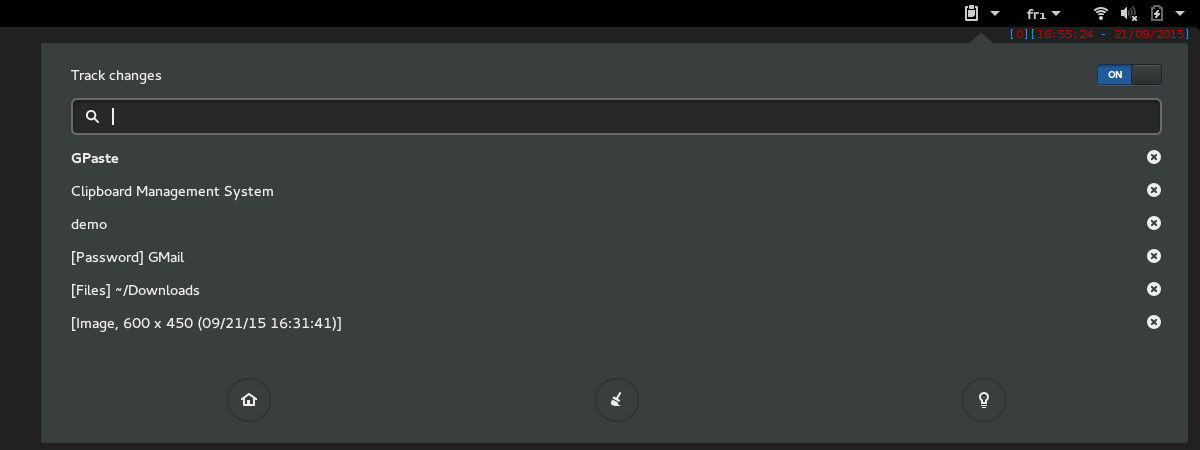
Gnome-shell extension
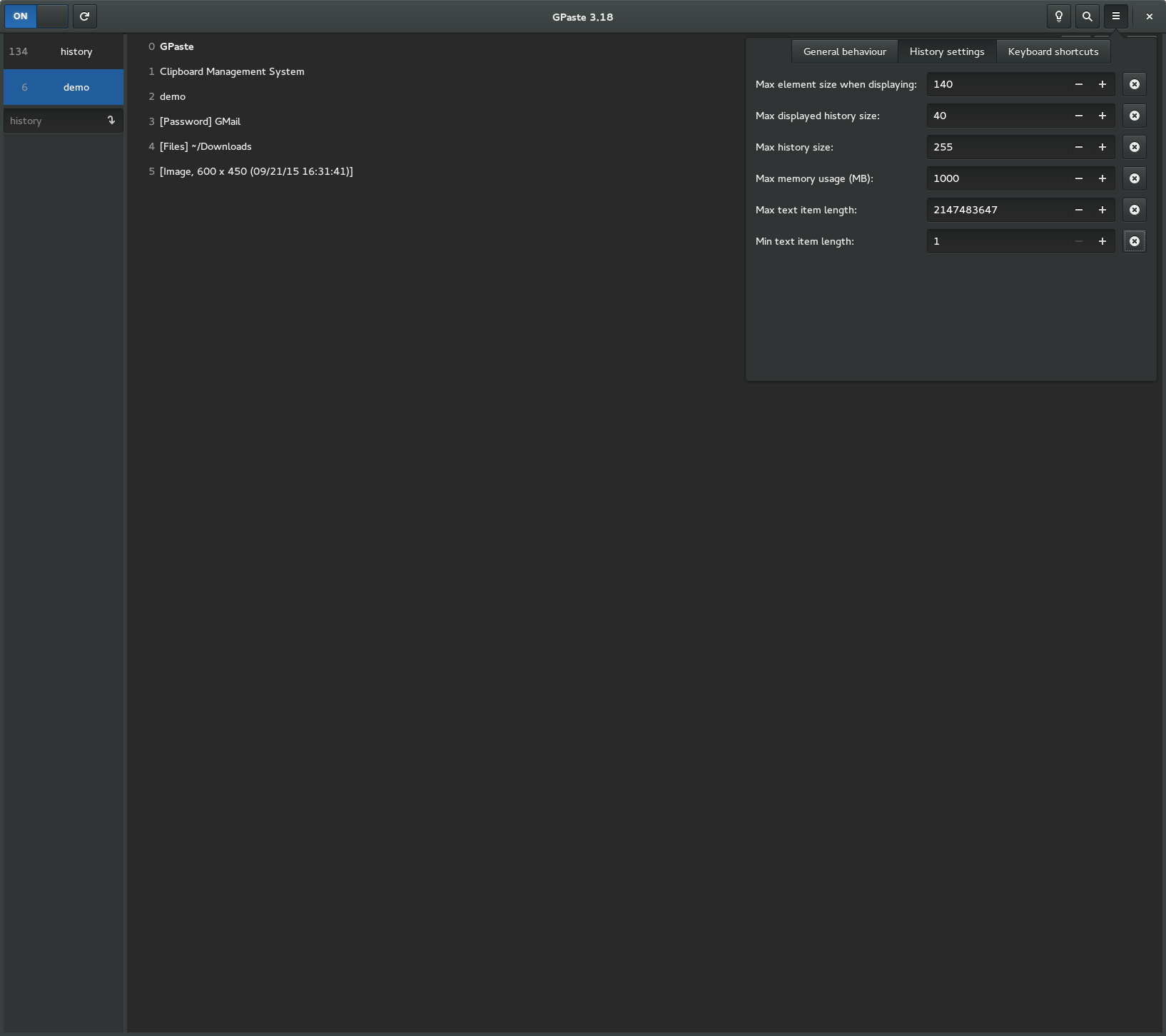
Graphical tool