GPaste 51.beta released
by Marc-Antoine Perennou on August 25, 2026
It’s available there, get it while it’s hot!
This release targets GNOME 51.
If you’re looking for the legacy applet/tray-icon, it’s available here.
What’s new?
This is a beta for the upcoming 51.0, and the largest release in a long while: a new history view, a redesigned graphical tool, and new ways to store and protect your history. Please test it before 51.0 lands.
The history
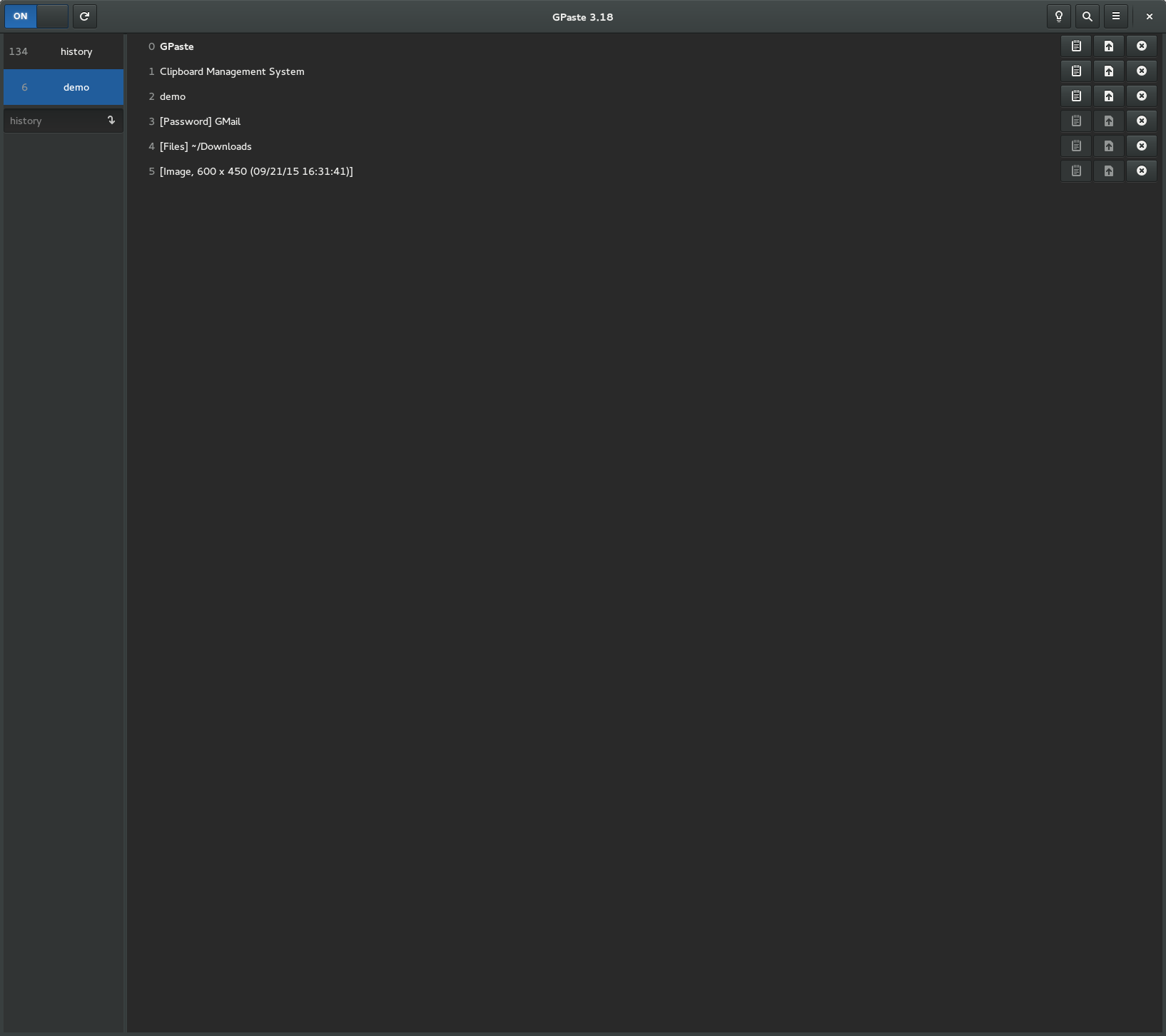
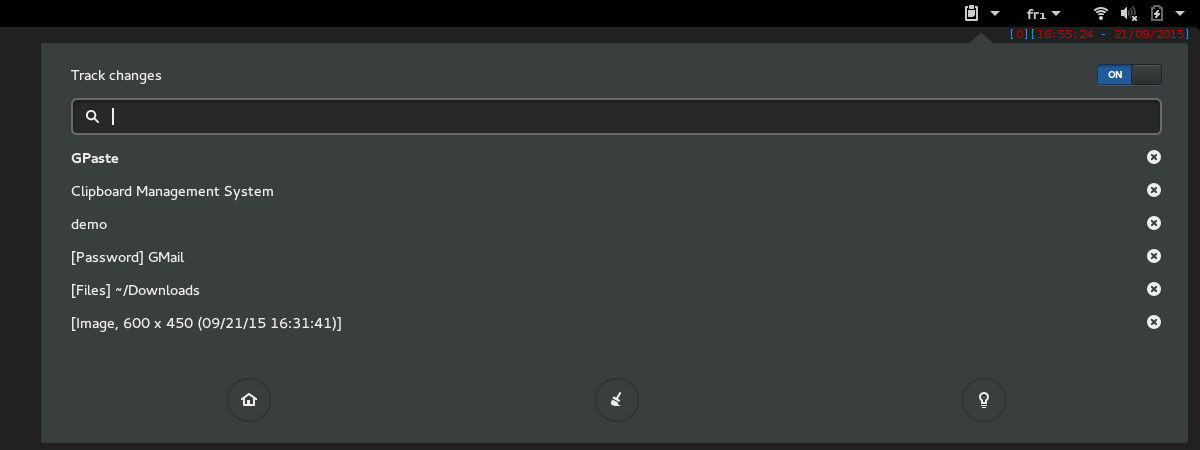
- Rewrite the history view of the GNOME Shell extension and the graphical tool: scrollable, loaded as you go, with image thumbnails and colour swatches
- Pin favourite items so they are never dropped, and filter the history down to them
- Merge several items into one
The graphical tool and the extension
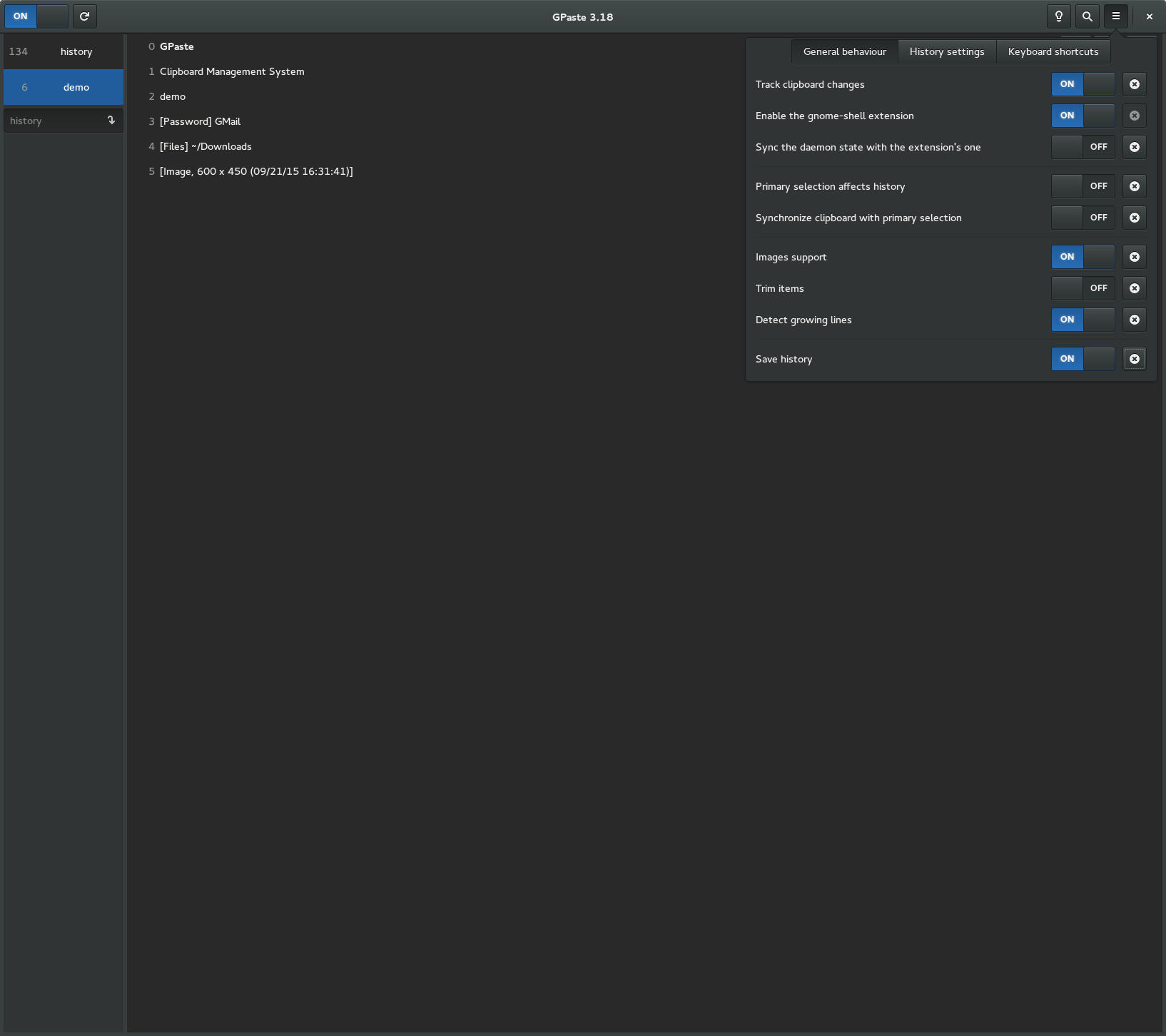
- Redesign the graphical tool, now adaptive
- Make the GNOME Shell menu fully keyboard-reachable, and show GPaste’s own pages in the shell’s extension preferences
- Optionally run the daemon inside GNOME Shell (experimental)
Where your history lives
- Optionally encrypt the history, with the passphrase kept in the keyring
- Add SQLite storage, plain or encrypted, and a way to move an existing history to it
- Take passwords back off the clipboard once their timeout has passed
And the rest
- Let copied colours paste as text too
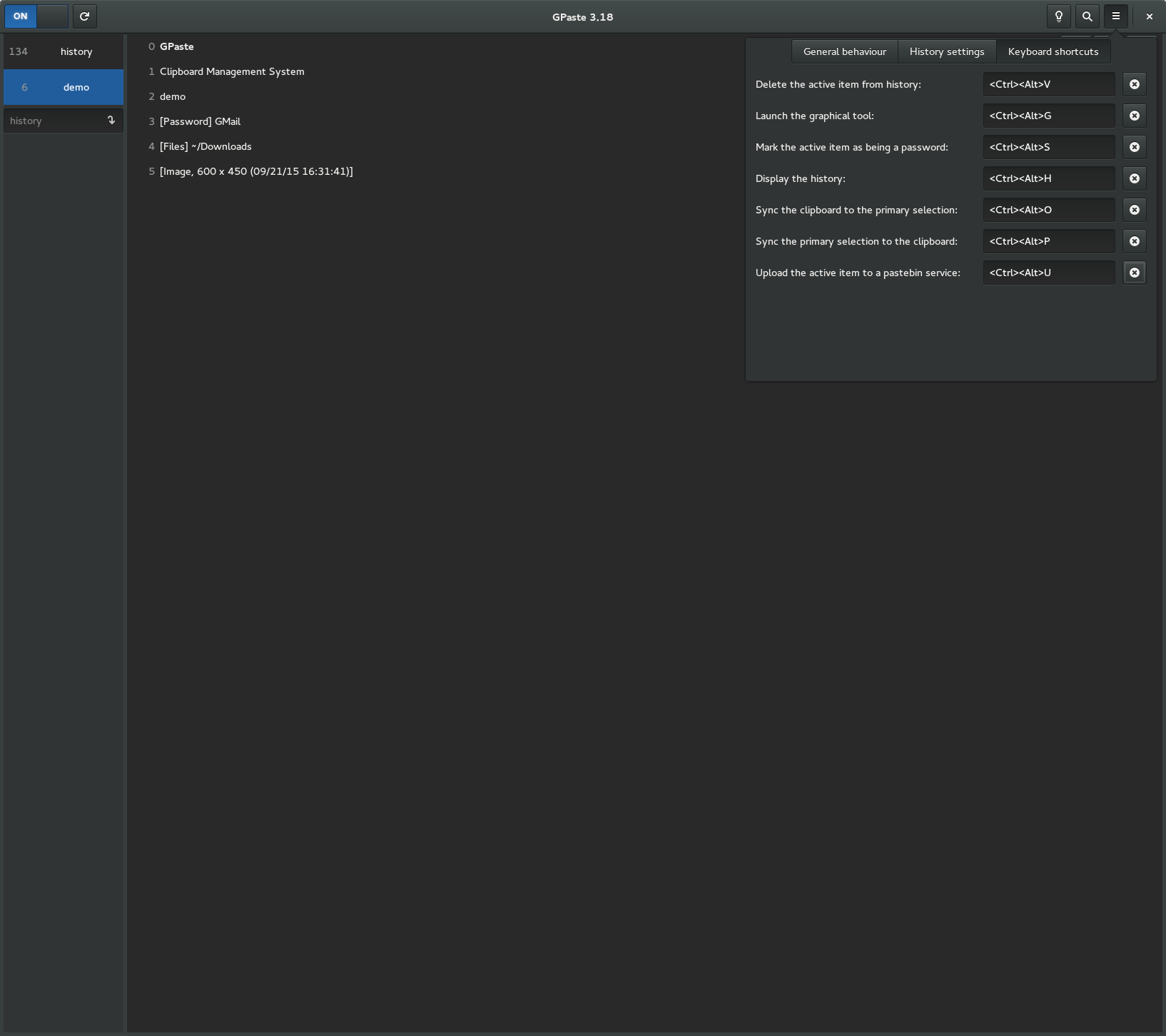
- Record keyboard shortcuts by pressing them, and reset any preference from its right-click menu
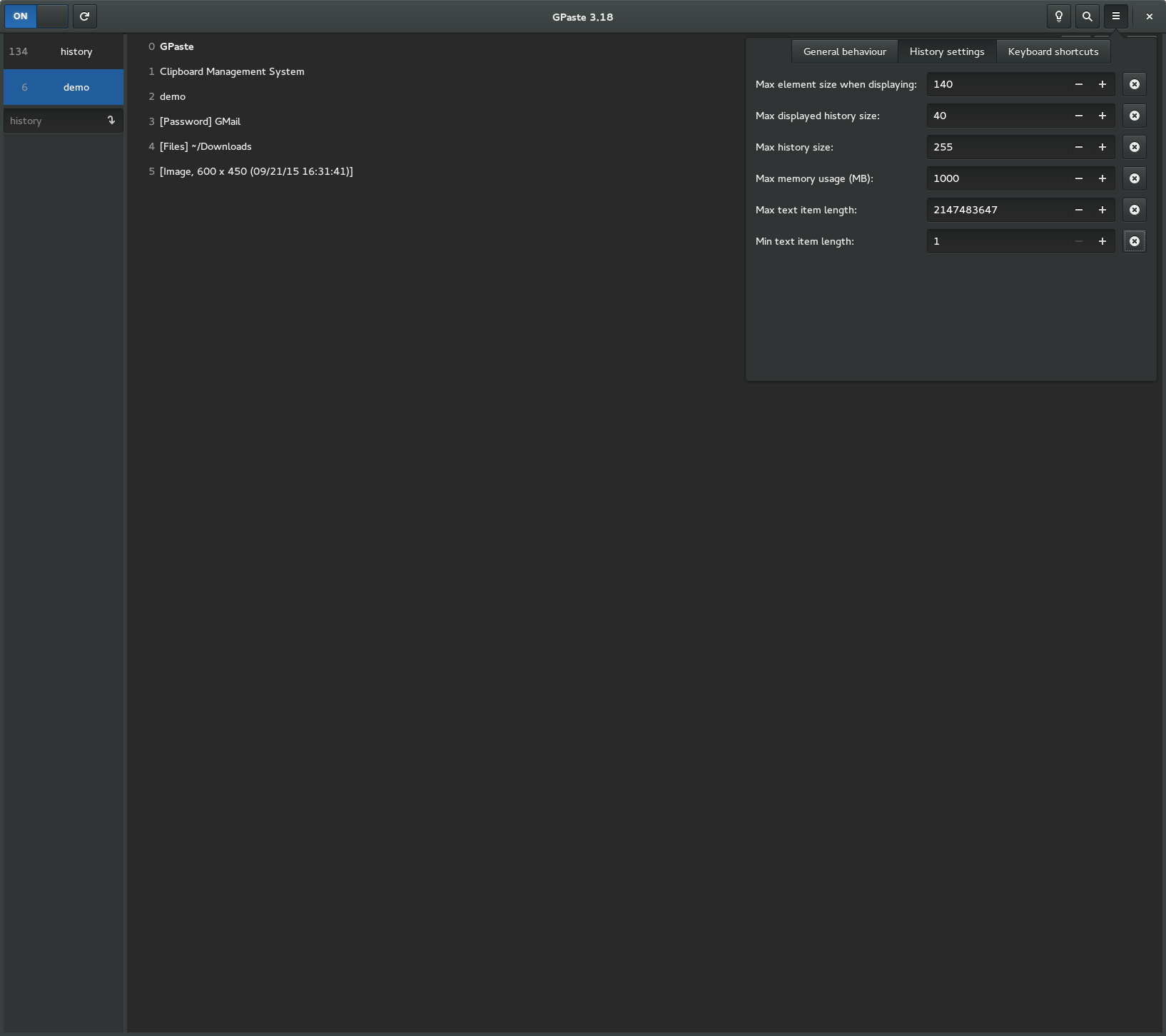
- Track images by default, with higher default history limits
- Route global keyboard shortcuts through the XDG portal only
- Move to the
org.gnome.GPaste3D-Bus interface: third-party clients need updating - Requires GLib 2.90, GTK 4.24 and libadwaita 1.10
And don’t forget to run gpaste-client dr aka gpaste-client daemon-reexec after upgrading GPaste to activate new functionalities ;)
You can then run gpaste-client daemon-version to check that the correct daemon is running.
Screenshots
Gnome-shell extension
Graphical tool