GPaste 51.2 released
by Marc-Antoine Perennou on October 26, 2026
It’s available there, get it while it’s hot!
This release targets GNOME 51.
If you’re looking for the legacy applet/tray-icon, it’s available here.
What’s new?
This release brings gpaste-client doctor, which checks the stored histories
and puts right what it can, and translates gpaste-client. Most of it makes
what you already use more dependable: the graphical tool’s search, shortcuts
and merging act on the items you see, GNOME Shell’s menu keeps up with a
history that changes quickly, and what is copied while GPaste restarts, is
replaced or asks for a passphrase is no longer lost.
New
- Check the stored histories from the command line, and put right what can be
- Back up a history with Enter, and see as you type when a name cannot be used
- Translate gpaste-client, its help included
- Find copied files by the names and paths their rows show
Fixes
- Fix searches with special characters or capitals finding the wrong items
- Fix the graphical tool acting on the wrong items, showing outdated ones or stuttering
- Fix several issues in the graphical tool’s editing, accessibility, layout and windows
- Fix GNOME Shell’s menu and search showing, pasting or recording the wrong items
- Fix GNOME Shell’s menu misbehaving with the keyboard or scaling, or stalling
- Fix copies, passwords, histories and GPaste 50’s images lost, duplicated or kept too long
- Fix the preferences freezing on a passphrase change, and settings lost or misreported
- Fix loading a history with long items taking seconds, or minutes, per item
- Fix rare crashes around passphrase changes, damaged stores and planted files
- Fix gpaste-client’s piped input, options, completions and error messages
And don’t forget to run gpaste-client dr aka gpaste-client daemon-reexec after upgrading GPaste to activate new functionalities ;)
You can then run gpaste-client daemon-version to check that the correct daemon is running.
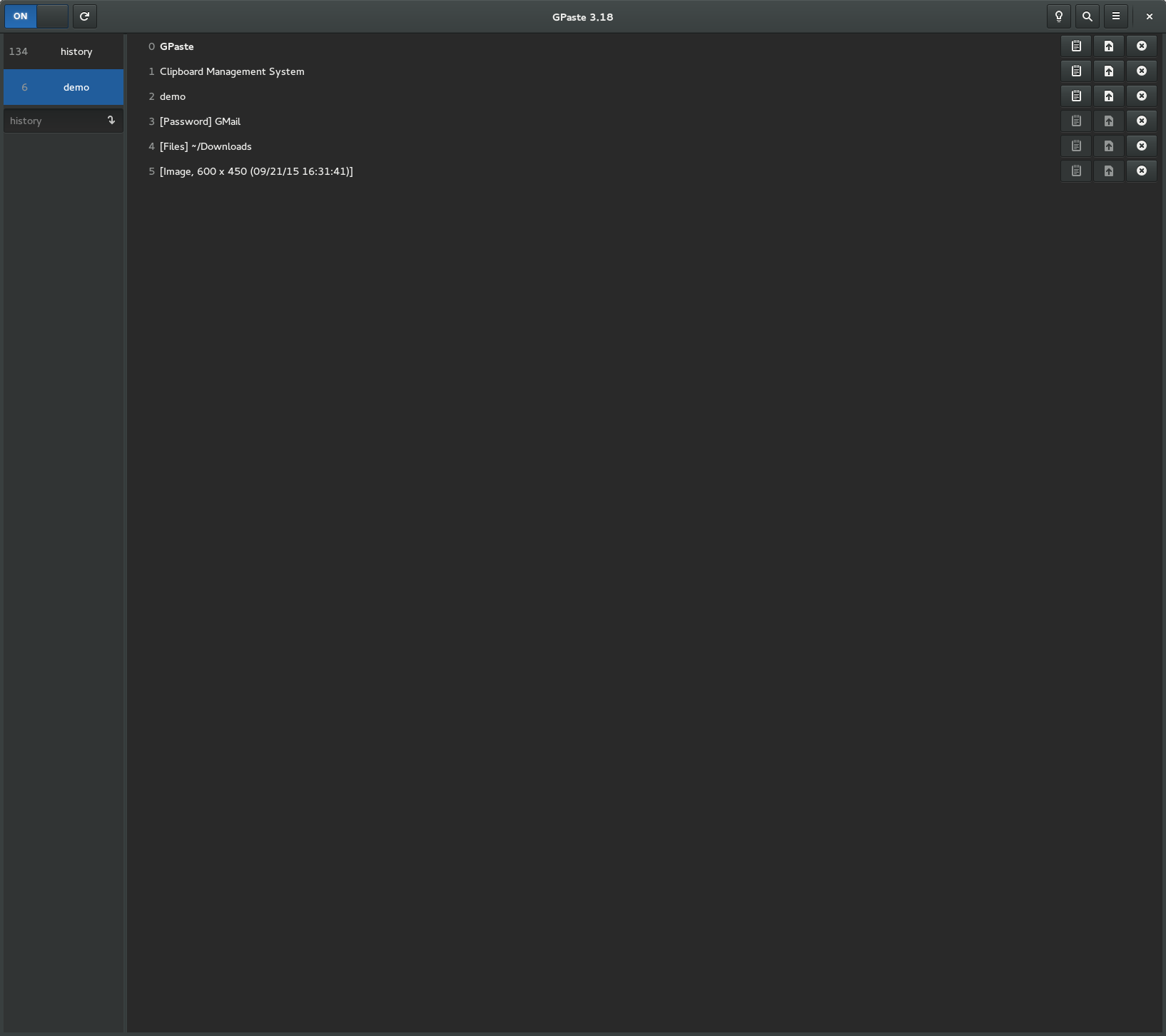
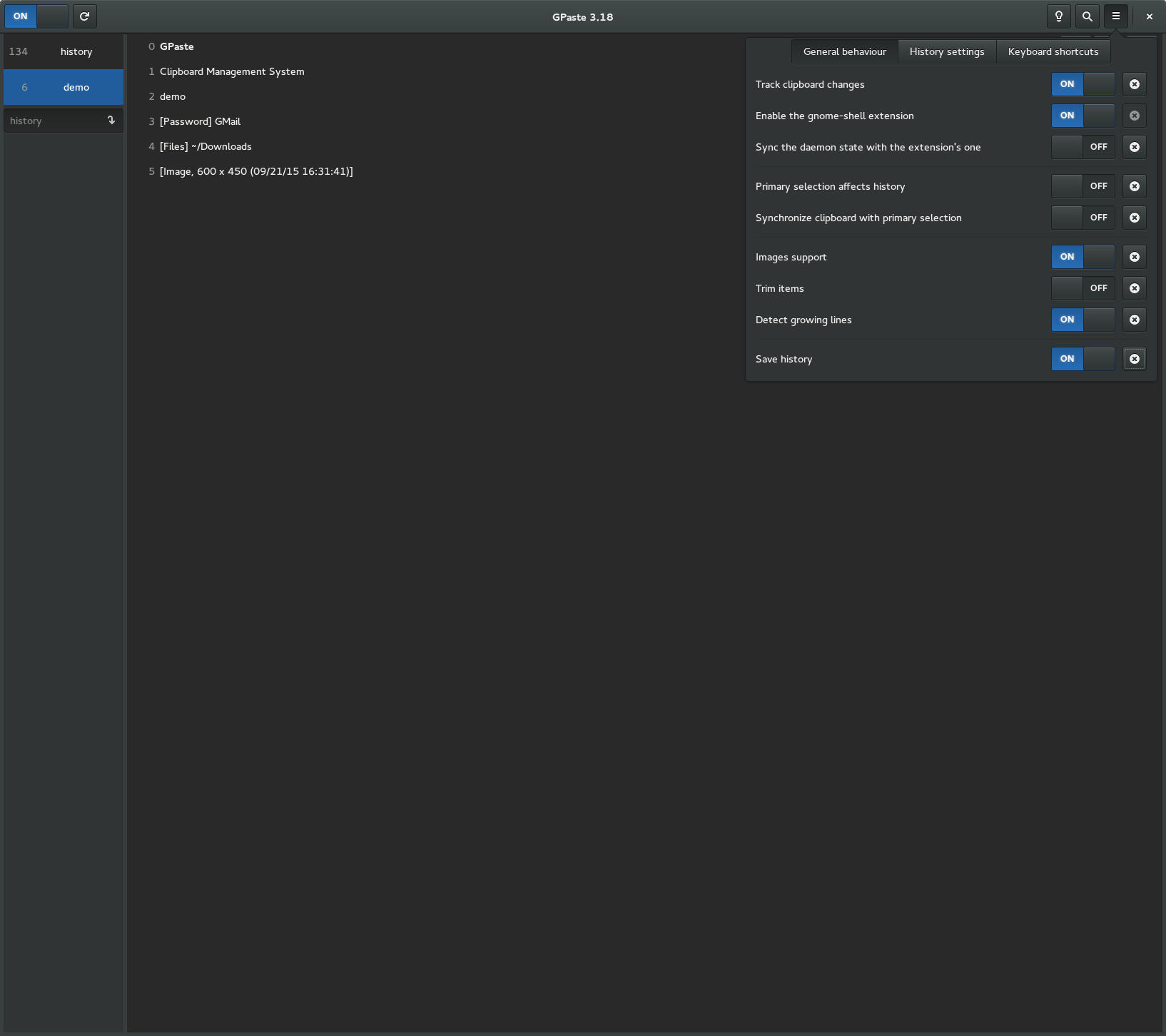
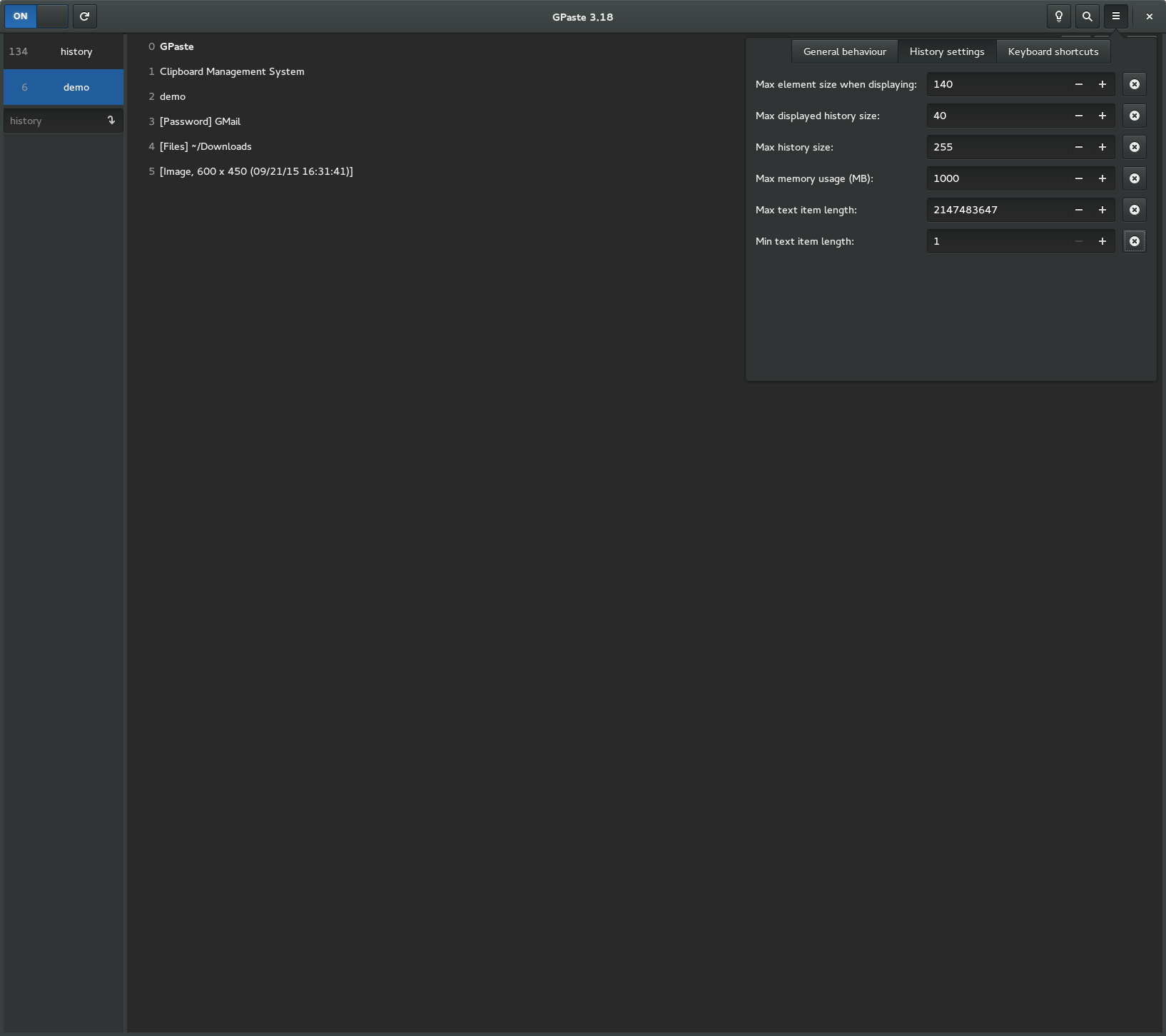
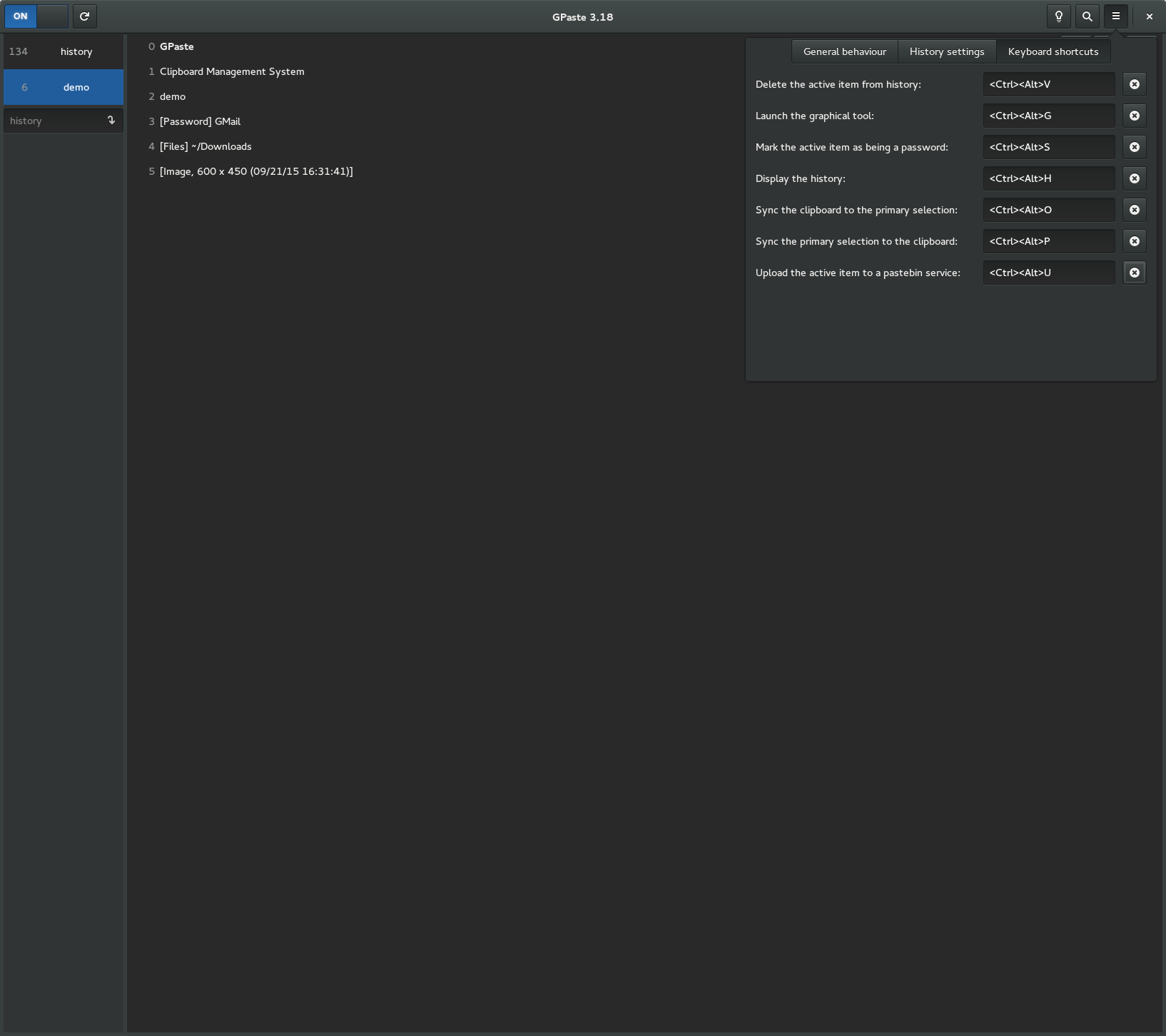
Screenshots
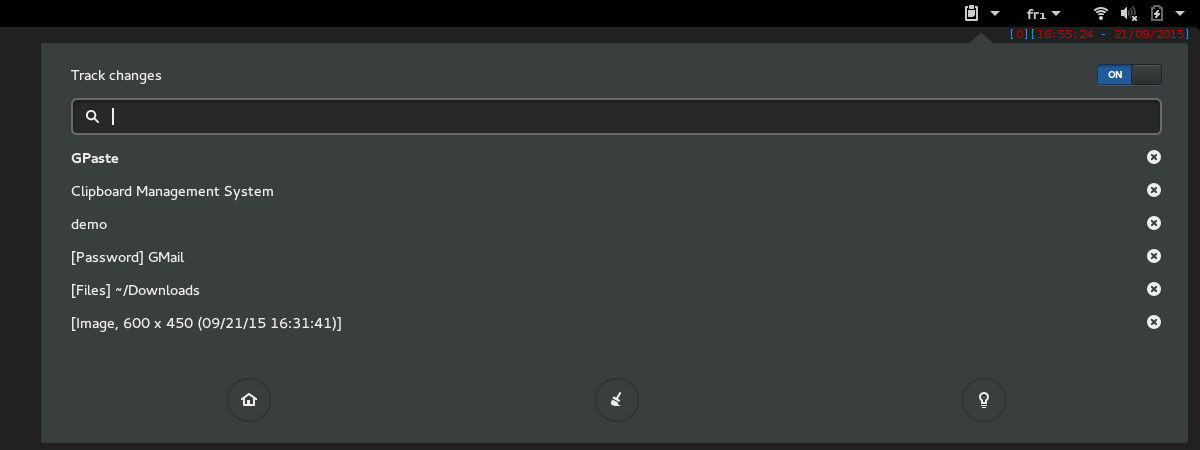
Gnome-shell extension
Graphical tool