GPaste 50.11 released
by Marc-Antoine Perennou on October 26, 2026
It’s available there, get it while it’s hot!
This release targets GNOME 50.
If you’re looking for the legacy applet/tray-icon, it’s available here.
What’s new?
This is a maintenance release bringing to GNOME 50 the fixes made for GPaste 51 that apply to it: the history is safer on disk and in the journal, gpaste-client no longer acts on the wrong item, file or process, copies offering text beside an image or plain text alone are read as they should be, searches find what was typed, and the preferences, the overview’s search and the portal’s shortcuts behave. gpaste-client is now translated too.
- Translate gpaste-client
- Fix several crashes and freezes of the daemon
- Fix items vanishing from the history, or being listed twice
- Fix copied spreadsheet cells, images and accented text being recorded wrong
- Fix history names and backups reaching or overwriting the wrong files
- Fix a damaged history’s text being logged to the system journal
- Fix searches missing items with special characters or capital letters
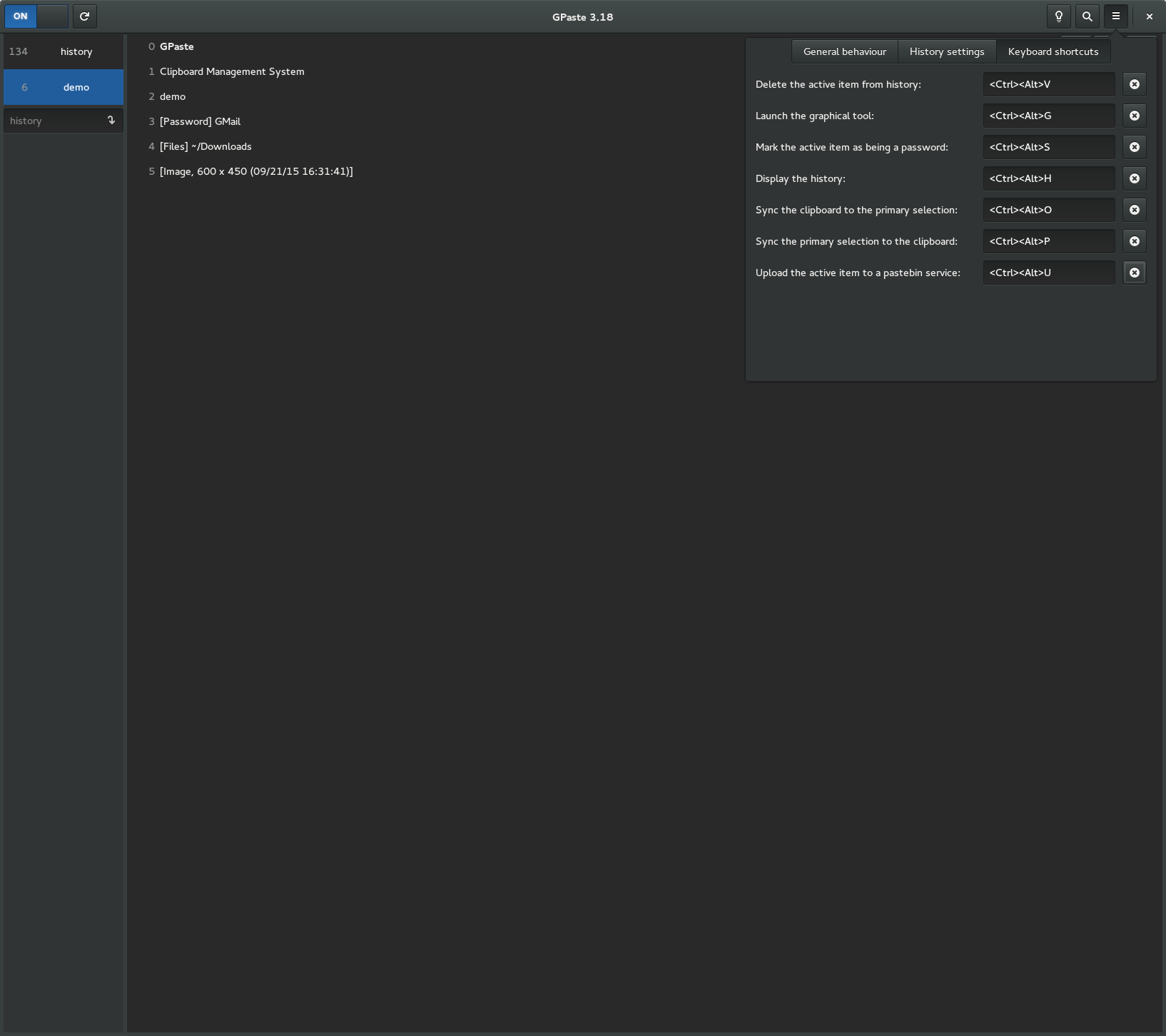
- Fix keyboard shortcuts not working when the portal starts after GPaste
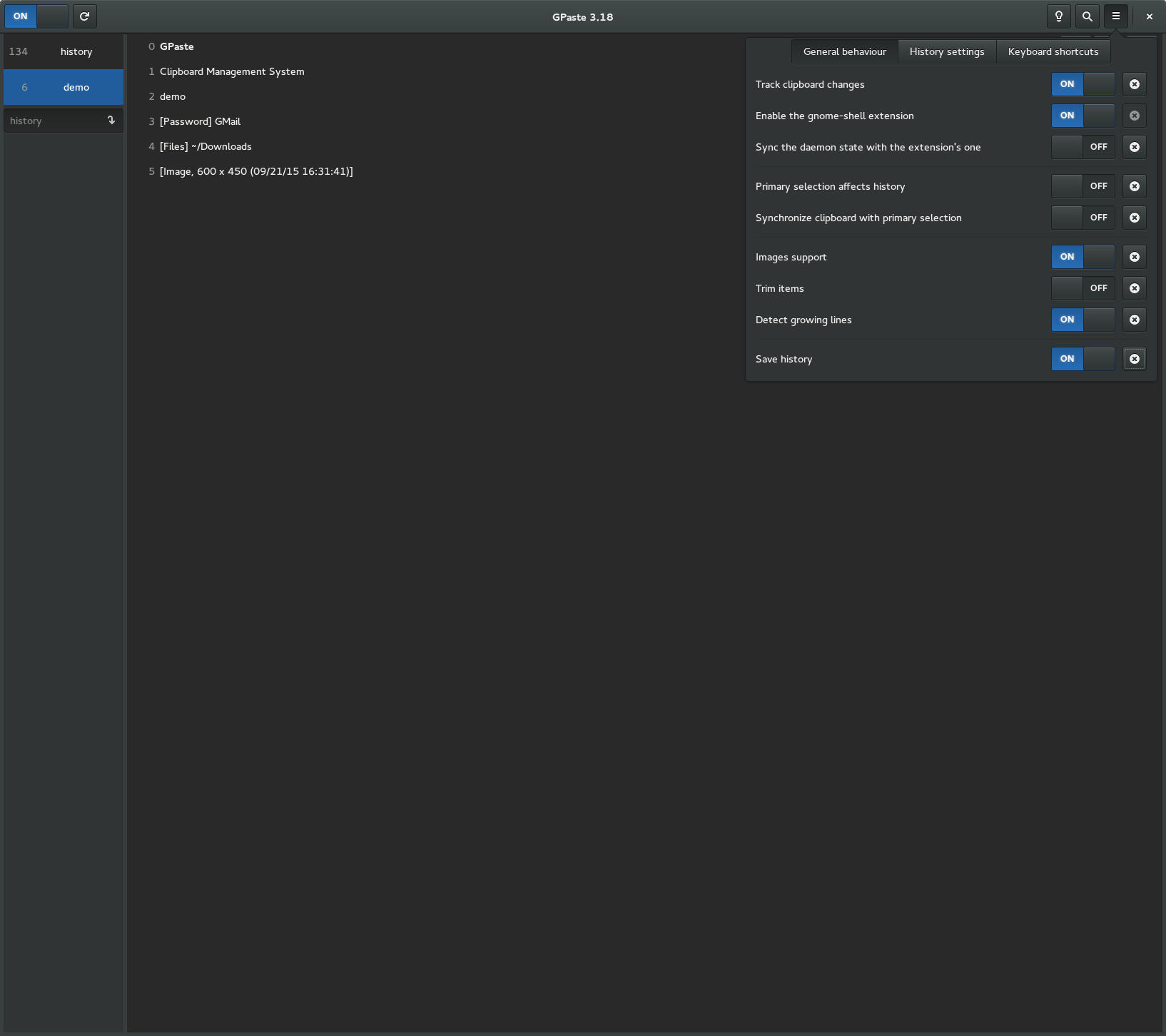
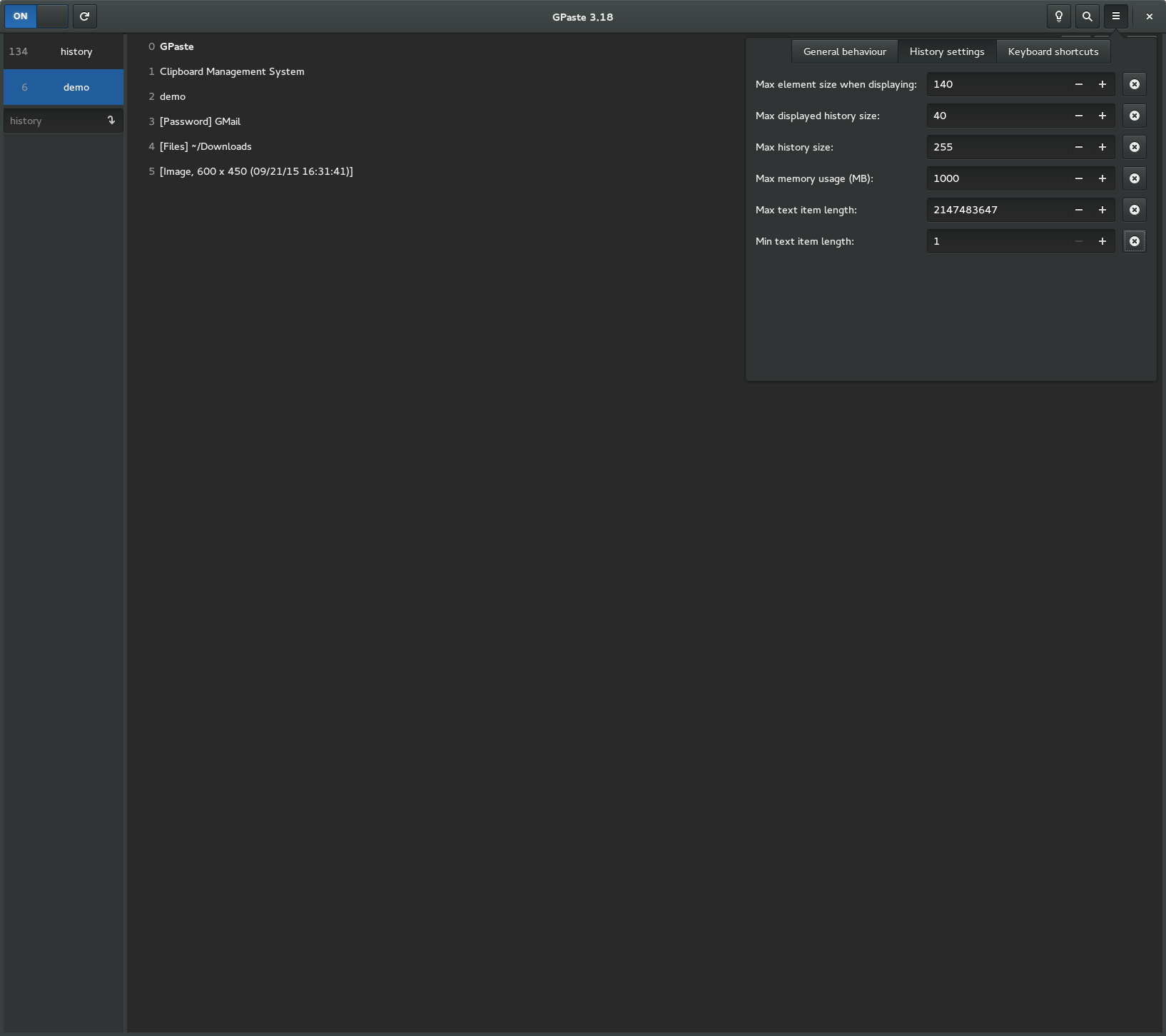
- Fix several issues in the graphical tool, the preferences and the overview’s search
- Fix gpaste-client mishandling piped input, unusual text and terminal output
- Fix gpaste-client acting on the wrong item, process or file
- Fix the bash completion and the help for backup-history
And don’t forget to run gpaste-client dr aka gpaste-client daemon-reexec after upgrading GPaste to activate new functionalities ;)
You can then run gpaste-client daemon-version to check that the correct daemon is running.
Screenshots
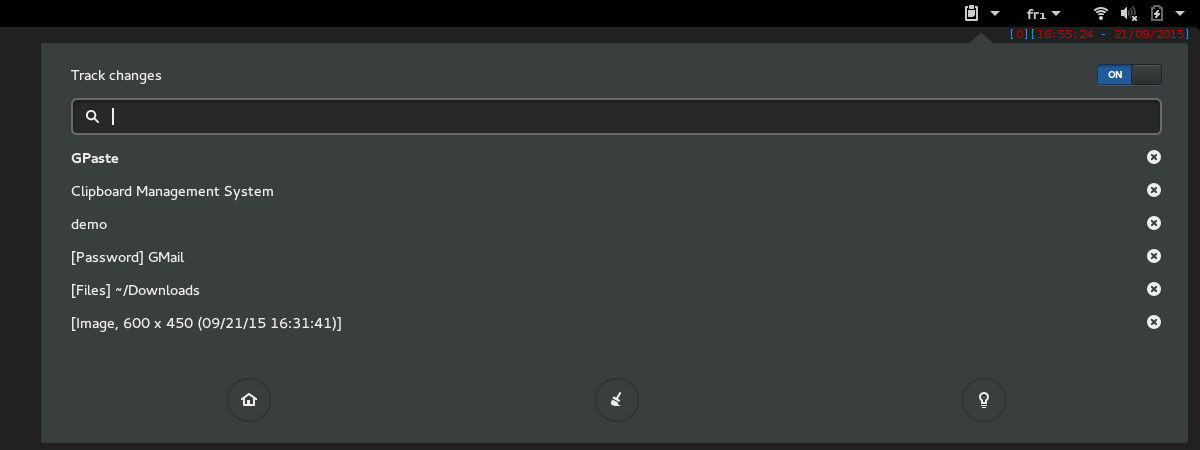
Gnome-shell extension
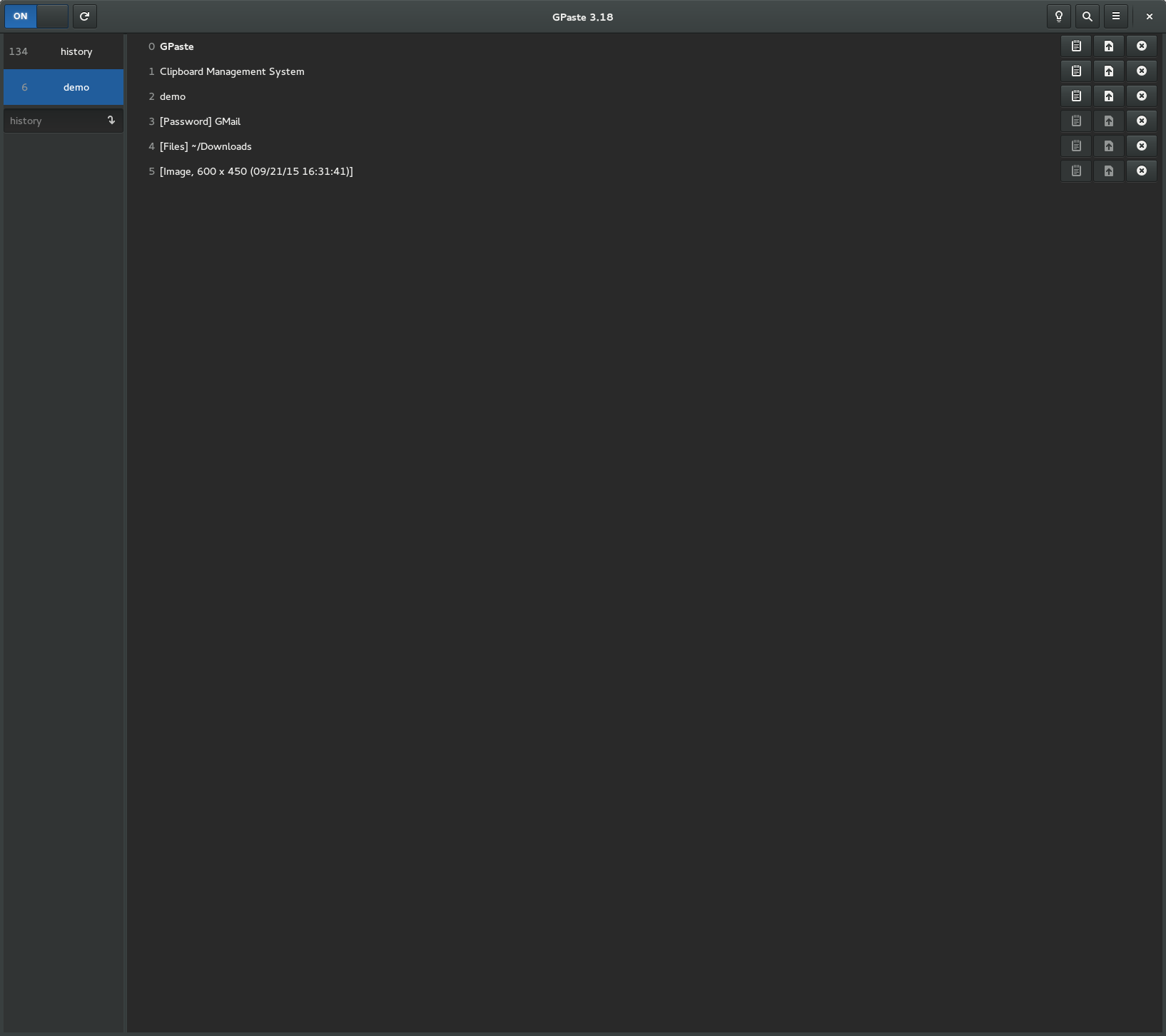
Graphical tool