GPaste 51.1 released
by Marc-Antoine Perennou on October 20, 2026
It’s available there, get it while it’s hot!
This release targets GNOME 51.
If you’re looking for the legacy applet/tray-icon, it’s available here.
What’s new?
This release is mostly about making GPaste dependable: encrypted and SQLite histories, storage migrations and passphrase changes now hold up against failures, logouts and damaged files, passwords no longer linger on the clipboard or come back in clear, and GPaste inside GNOME Shell behaves when it is replaced or turned off. It also brings a few new features, from uploading from the command line to deleting a history from the graphical tool’s sidebar.
New
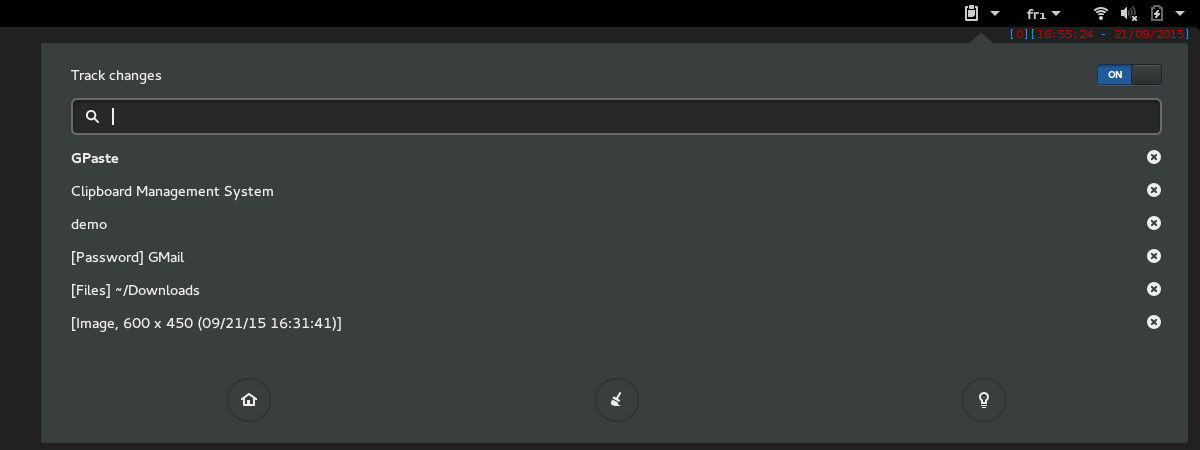
- Strip or upload an item from the GNOME Shell menu’s right-click actions
- Upload an item and copy its address from the command line
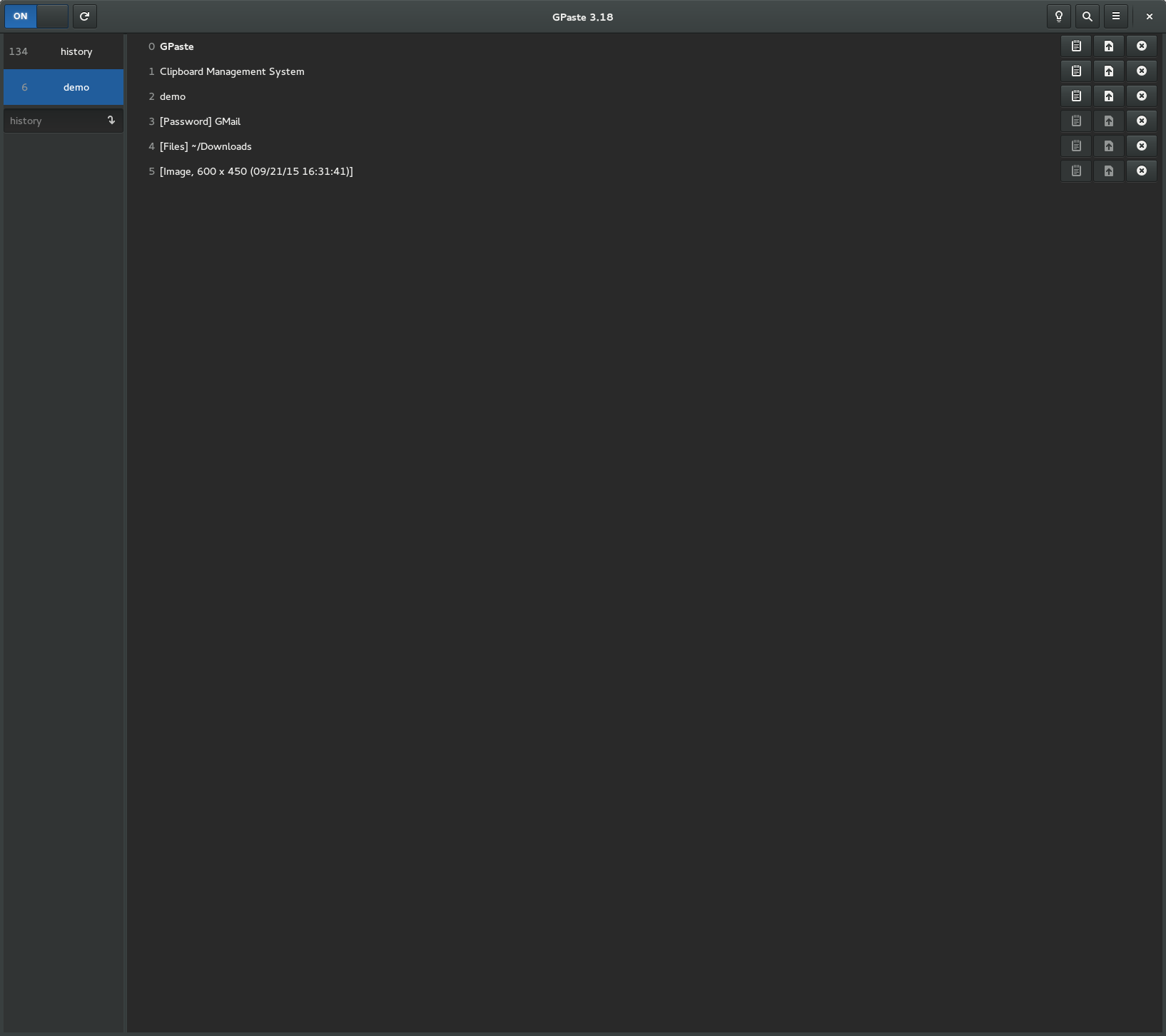
- Delete a history from the graphical tool’s sidebar
- Offer to restart an outdated daemon, as an update may leave one running
- Recognise passwords other clipboard managers mark as secret, and mark GPaste’s own
- Take another application’s password off the clipboard once its timeout runs out
- Keep a password with no timeout on the clipboard when the daemon restarts
- Keep the last copy on the clipboard when the application it came from closes
Fixes
- Fix the graphical tool staying empty after the daemon comes back
- Fix the graphical tool’s header and layout in narrow windows
- Fix the graphical tool freezing on an item made of one very long line
- Fix a failed image preview repeating its toast as you scroll
- Fix how file items and texts with Unicode line breaks are shown
- Fix GPaste’s windows showing no icon in GNOME Shell
- Fix the passphrase and migration windows going blank on a & or a <
- Fix pausing the tracking being undone at unlock or when GPaste restarts
- Fix turning the GNOME Shell extension off starting a GPaste daemon
- Fix GPaste inside GNOME Shell carrying on, or keeping its passphrase, once replaced or off
- Fix GPaste’s questions inside GNOME Shell showing on the lock screen, or missing their meter
- Fix the storage migration window picking a storage for you
- Fix the preferences’ number, upload command and shortcut rows saving what was not meant
- Fix names and folders in another encoding than UTF-8 breaking the menu, search or adds
- Fix builds without the systemd units or the extension, or with translations elsewhere
- Fix keyboard shortcuts on keypad keys, after a late portal, and their scrambled list
- Fix passwords staying on the clipboard, or coming back in clear, when their entry goes
- Fix GNOME Shell taking a password off the clipboard early when GPaste restarts
- Fix images, files and colours marked as secret being kept in the history
- Fix synchronizing secrets without their password protection
- Fix rich-text removal leaving formatting on the clipboard
- Fix copied blank lines vanishing after a restart
- Fix damaged or foreign history files losing items or crashing GPaste
- Fix the text of an old-format history being copied into the system log
- Fix a failed save losing changes or images, or reporting a backup as done
- Fix a crash right after a save emptying the history on some filesystems
- Fix histories with a very long name being created but never saved
- Fix a SQLite history no longer saved once it holds an item too large
- Fix encrypted histories accepting a swapped image or appended data
- Fix the right passphrase refused, or a wrong one accepted, after damage or rare failures
- Fix decrypted passwords and encryption keys lingering in memory
- Fix histories split across two passphrases by a failed, interrupted or migrating change
- Fix the passphrase being asked for again when the storage choice cannot be saved
- Fix storage migrations losing items past the size limit, images, or the history itself
- Fix storage migrations mistaking an earlier one’s leftover copy for the history in use
- Fix a migration cut short at logout leaving the history half written or unencrypted
- Fix a failed storage change being reported nowhere and retried on the next start
- Fix deleted items and passwords staying readable on disk in the SQLite storage
- Fix damaged SQLite histories refusing to open or never storing anything again
- Fix copies and changes made during a load, a passphrase change or a migration being lost
- Fix emptied, deleted or backed-up histories missing copies, coming back or leaving files
- Fix switching, deleting or backing up a history appearing to work when it did not
- Fix GNOME Shell freezing for a moment while another history is emptied
- Fix the daemon rarely hanging when it restarts
- Fix changes to a locked or unsaveable setting looking applied
- Fix the memory limit removing items it should keep, or mishandling selected pinned ones
- Fix gpaste-client crashing, waiting on its input, or misreading –use-index and its input
- Fix gpaste-client passing escape sequences copied from a web page on to the terminal
- Fix gpaste-client daemon-reexec and migrate sometimes stopping another program
- Fix adding a pipe, a device or a huge file freezing or exhausting the daemon
- Fix uploads failing, mangling or losing the address, or landing after GPaste was turned off
- Fix the upload shortcut on an image or a password: only text uploads
- Fix copied spreadsheet cells kept as a picture, and images losing their other formats
- Fix accented text from applications offering only plain text being garbled
- Fix GPaste inside GNOME Shell ignoring copied images, colours and files, or huge copies
- Fix an image added from a file while images are off vanishing at the next start
- Fix a rare crash when renaming a password
- Fix searching in the overview starting GPaste when it was not running
And don’t forget to run gpaste-client dr aka gpaste-client daemon-reexec after upgrading GPaste to activate new functionalities ;)
You can then run gpaste-client daemon-version to check that the correct daemon is running.
Screenshots
Gnome-shell extension
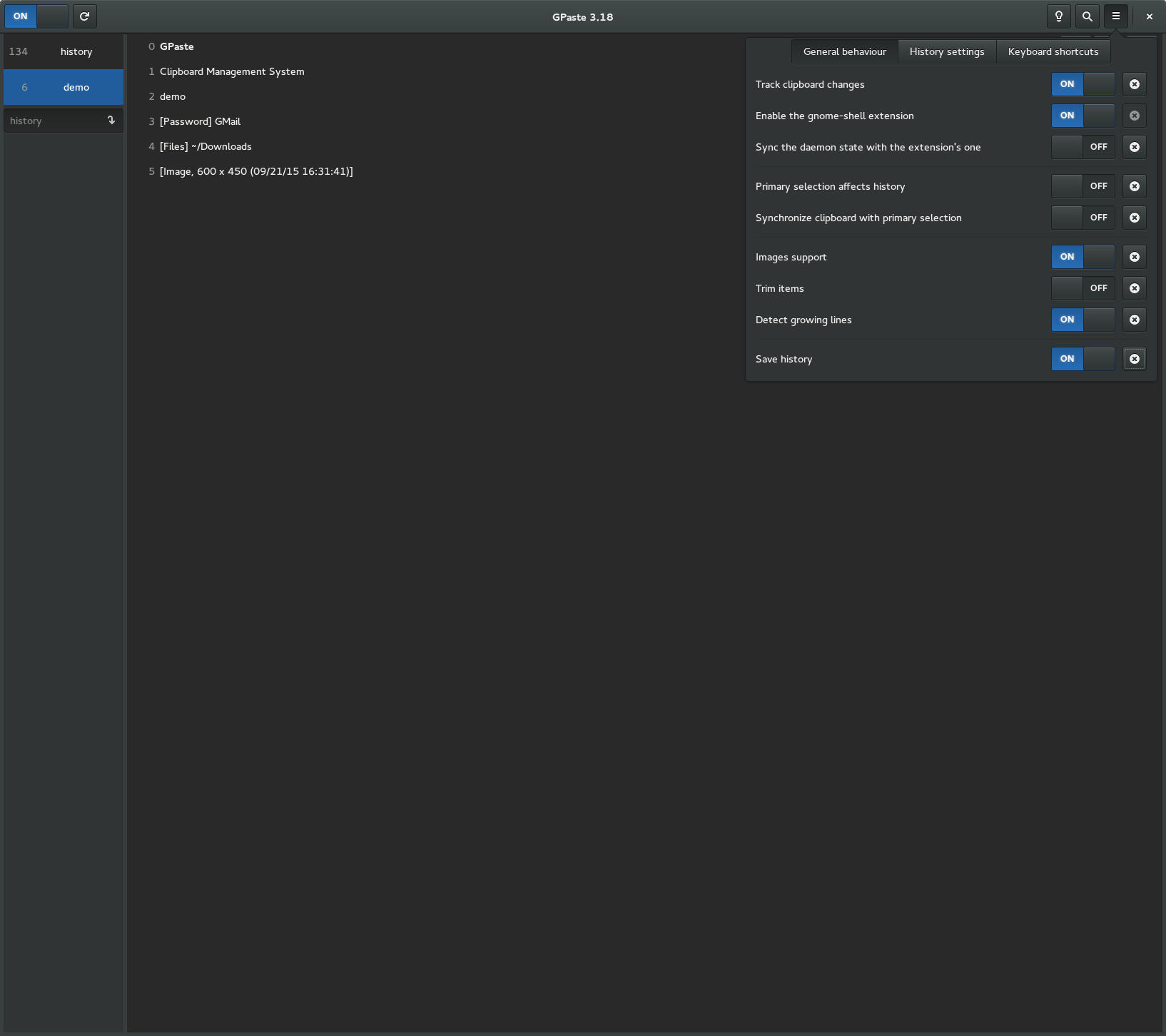
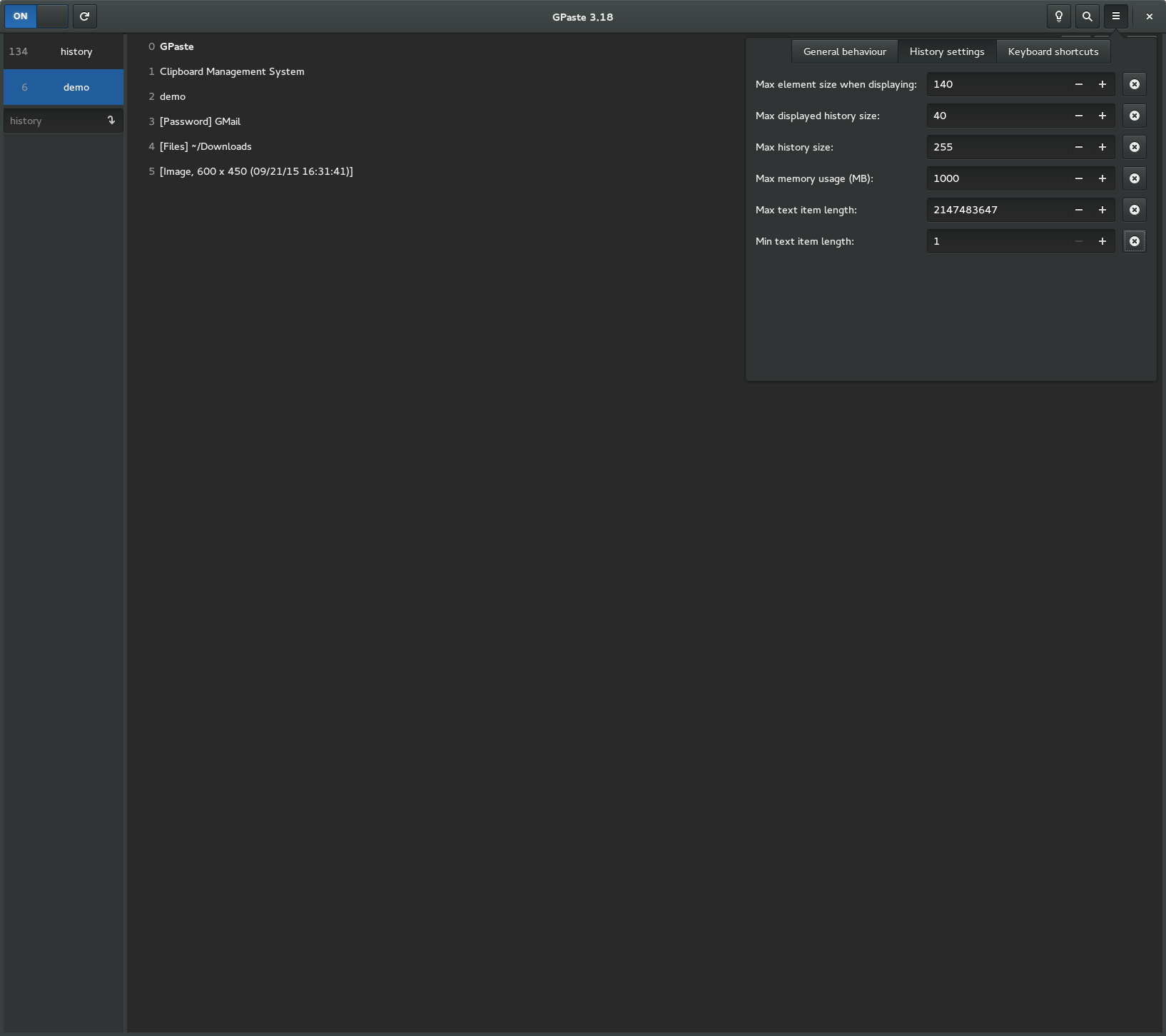
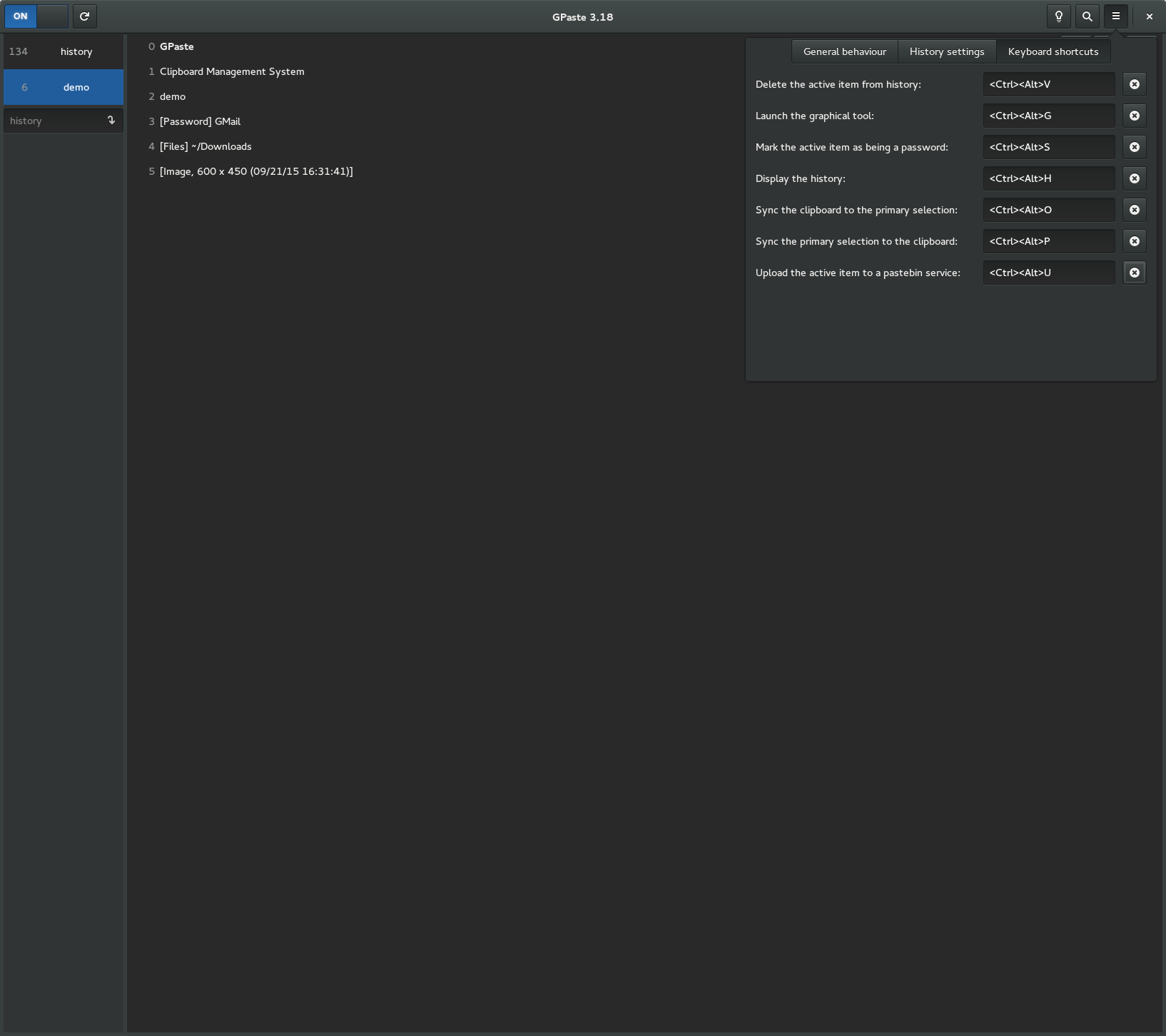
Graphical tool