GPaste 50.10 released
by Marc-Antoine Perennou on September 8, 2026
It’s available there, get it while it’s hot!
This release targets GNOME 50.
If you’re looking for the legacy applet/tray-icon, it’s available here.
What’s new?
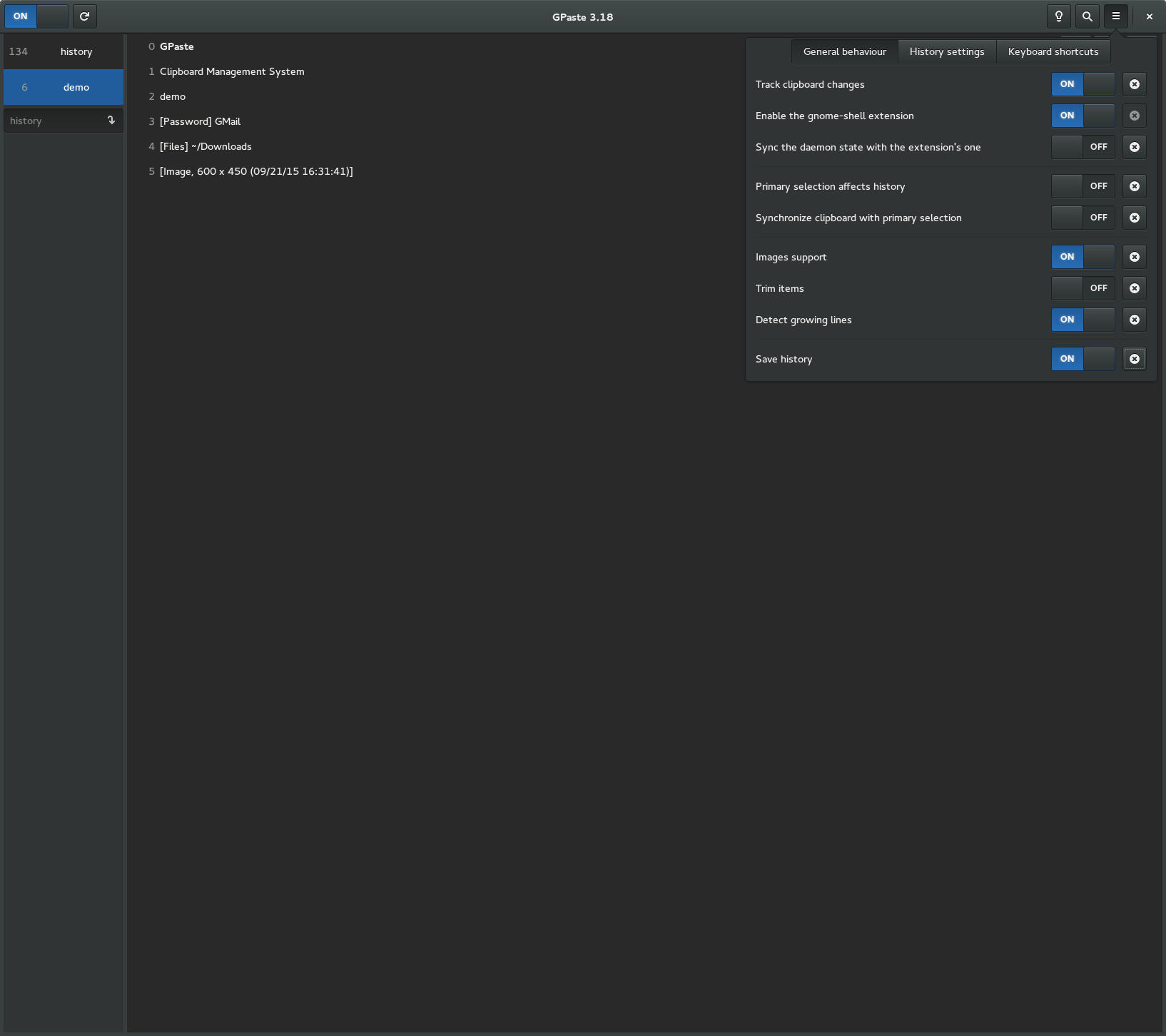
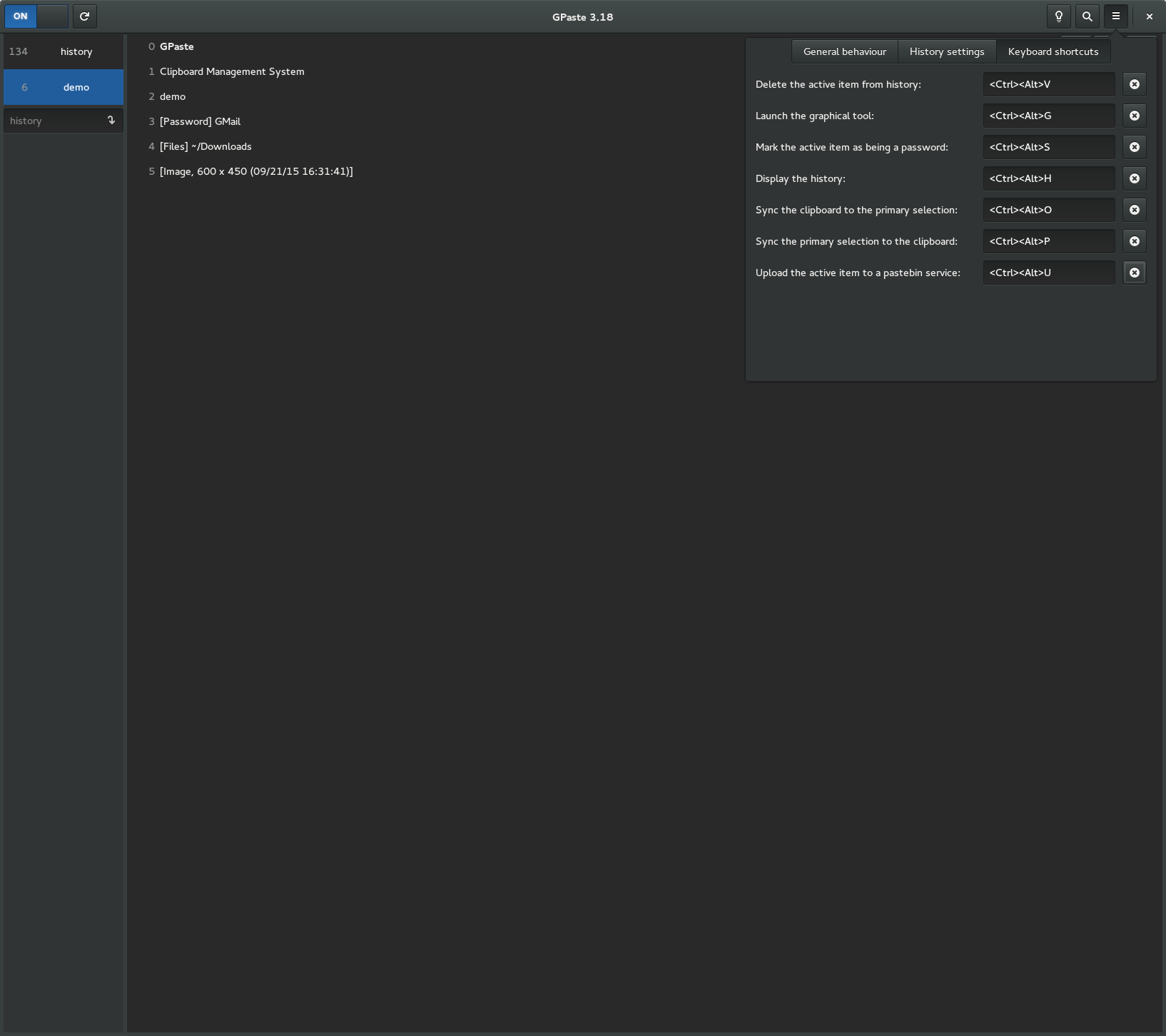
GPaste grabs seven global keyboard shortcuts, and until now the only way to get rid of one was to blank its accelerator, one key at a time. There is now a single switch to turn them all off, for anyone whose compositor – or whose other clipboard manager – already owns those chords.
Getting there turned up a fair amount of wreckage in the shortcut handling on both backends, so most of this release is that:
- New setting to disable the global keyboard shortcuts entirely
- Fix gnome-shell being left holding GPaste’s grabs for the rest of the session, and GPaste giving up on them for good after a slow login
- Fix the daemon crashing on a shortcut activation arriving after its gnome-shell client was disposed
- Fix the global shortcuts under the portal: an edited accelerator never reached it, Super went out under a name it doesn’t know, and a dismissed permission dialog was reported as a successful bind
- Fix the behaviour, images and history preferences pages acting on a settings change before their rows exist
And don’t forget to run gpaste-client dr aka gpaste-client daemon-reexec after upgrading GPaste to activate new functionalities ;)
You can then run gpaste-client daemon-version to check that the correct daemon is running.
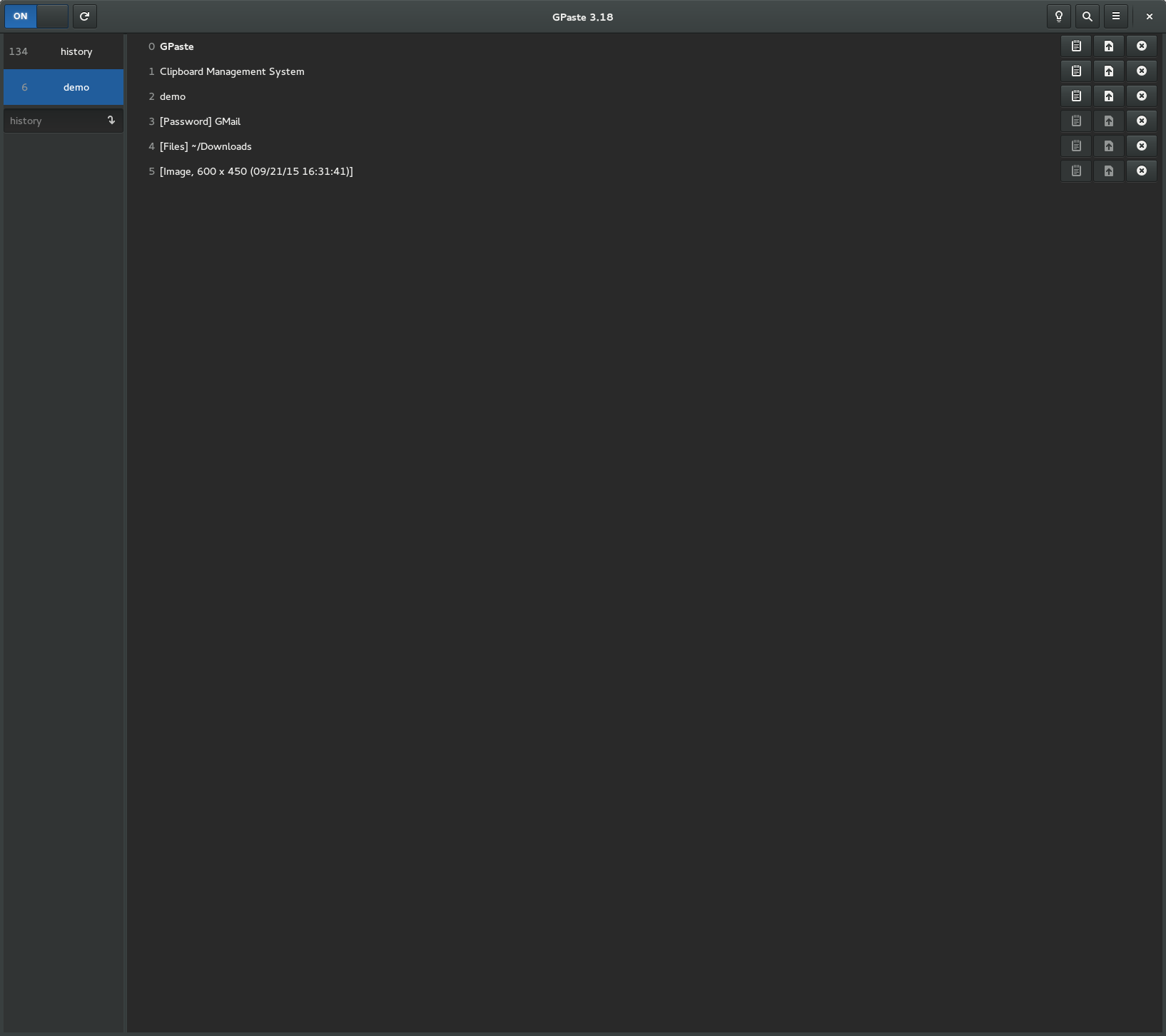
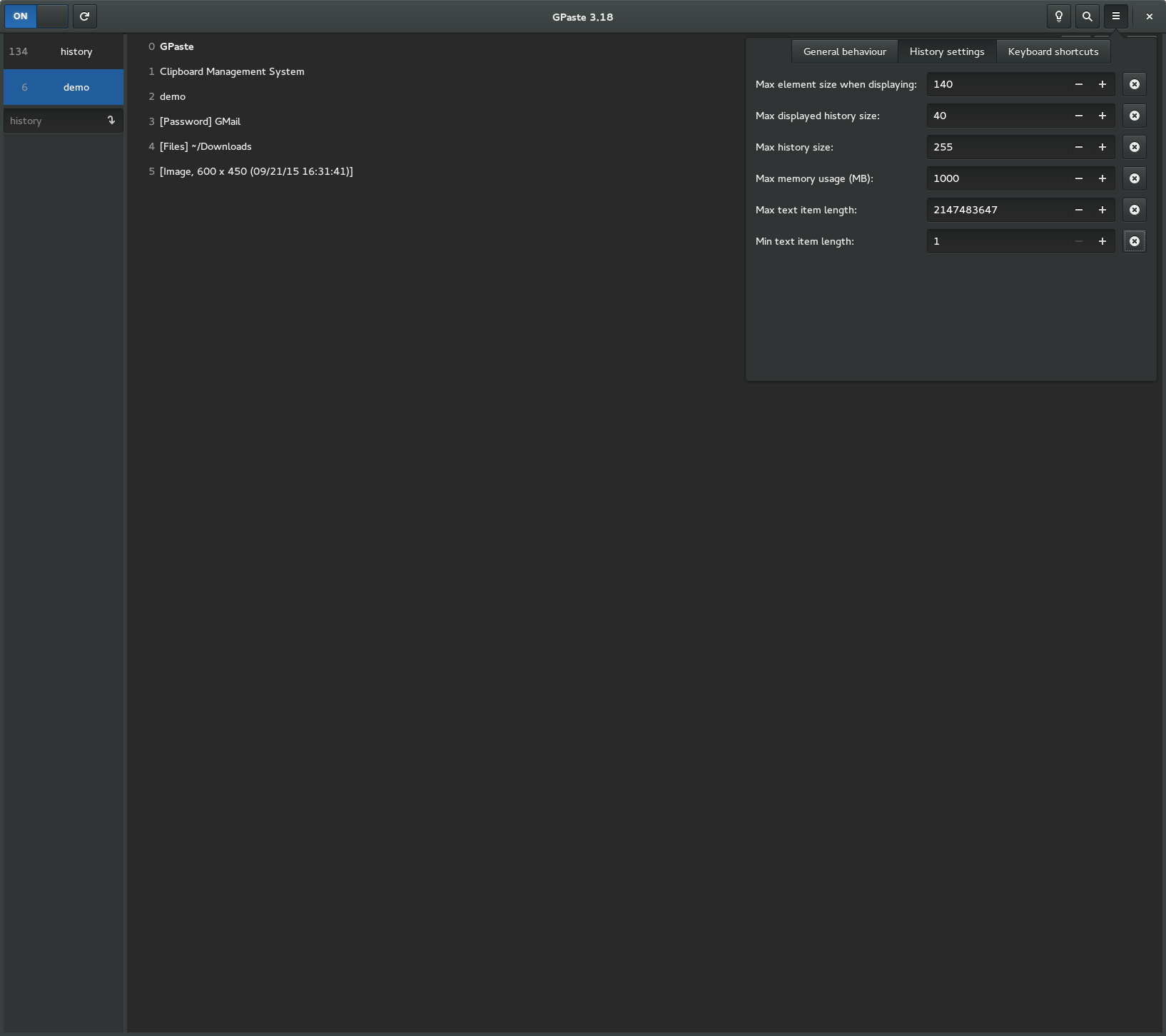
Screenshots
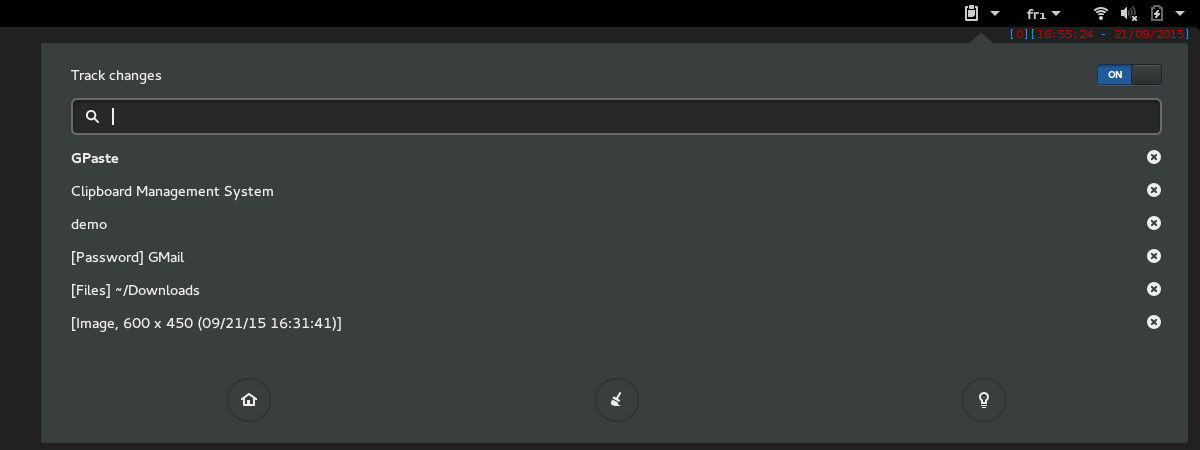
Gnome-shell extension
Graphical tool