GPaste 45.11 released
by Marc-Antoine Perennou on August 2, 2026
It’s available there, get it while it’s hot!
This release targets GNOME 45 to 50.
If you’re looking for the legacy applet/tray-icon, it’s available here.
What’s new?
This is a maintenance release, and a fairly substantial one: it fixes two ways your clipboard history could be silently damaged, plus a good number of crashes.
- Fix the daemon crashing when searching from the GNOME Shell overview with a term containing an unbalanced bracket or parenthesis (#496)
- Fix the history file being destroyed when it had been written by a newer version of GPaste
- Fix items being lost or garbled when loading a history containing an item with an empty value
- Fix every client crashing, GNOME Shell included, on the first update sent by a newer daemon after
gpaste-client daemon-reexec - Fix the daemon aborting, instead of disabling search, when it cannot connect to its own D-Bus proxy
- Fix
gpaste-client help,version,uiandpreferencesfailing when no daemon is reachable - Fix
gpaste-client filecrashing on a file that is neither text nor a loadable image - Fix a critical on every keystroke when the GTK UI search term is not a valid regular expression
- Fix acting on history rows before their content has been loaded, in both the GTK UI and the GNOME Shell extension
- Fix a second
gpaste-uiorgpaste-preferencesinvocation failing instead of presenting the running window - Fix several memory leaks and a use-after-free in the GTK UI history panel
- Fix the “empty history” helpers reporting success when the operation had failed
And don’t forget to run gpaste-client dr aka gpaste-client daemon-reexec after upgrading GPaste to activate new functionalities ;)
You can then run gpaste-client daemon-version to check that the correct daemon is running.
Screenshots
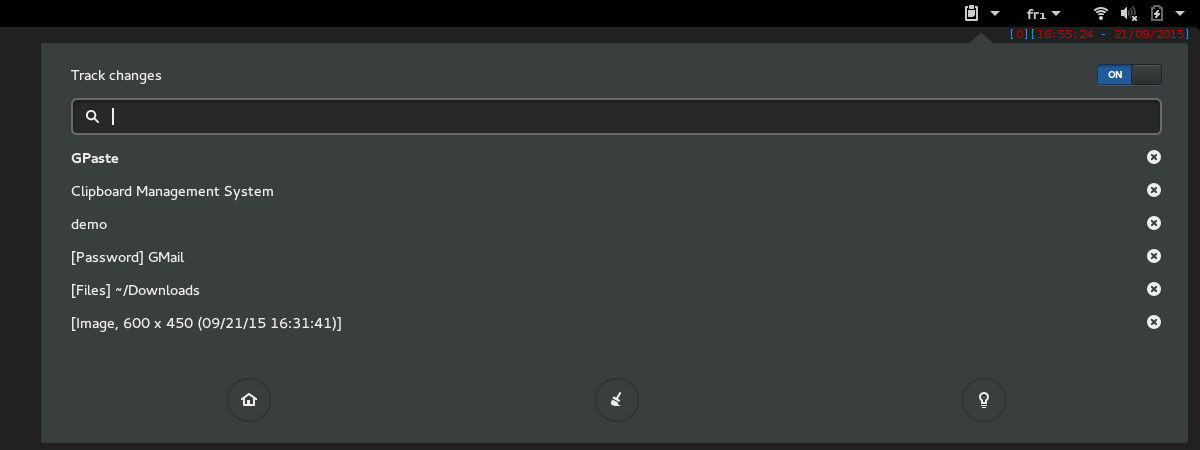
Gnome-shell extension
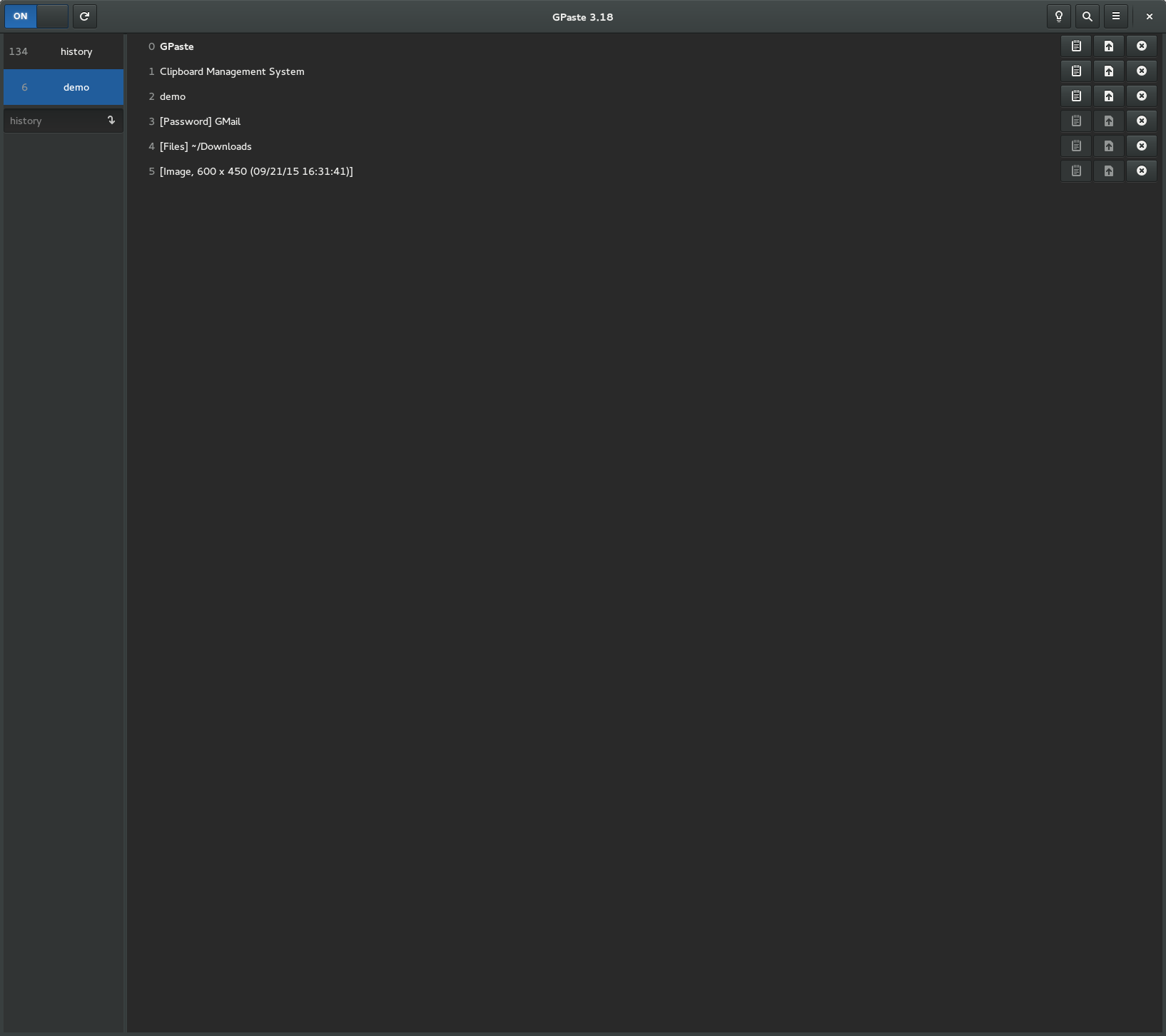
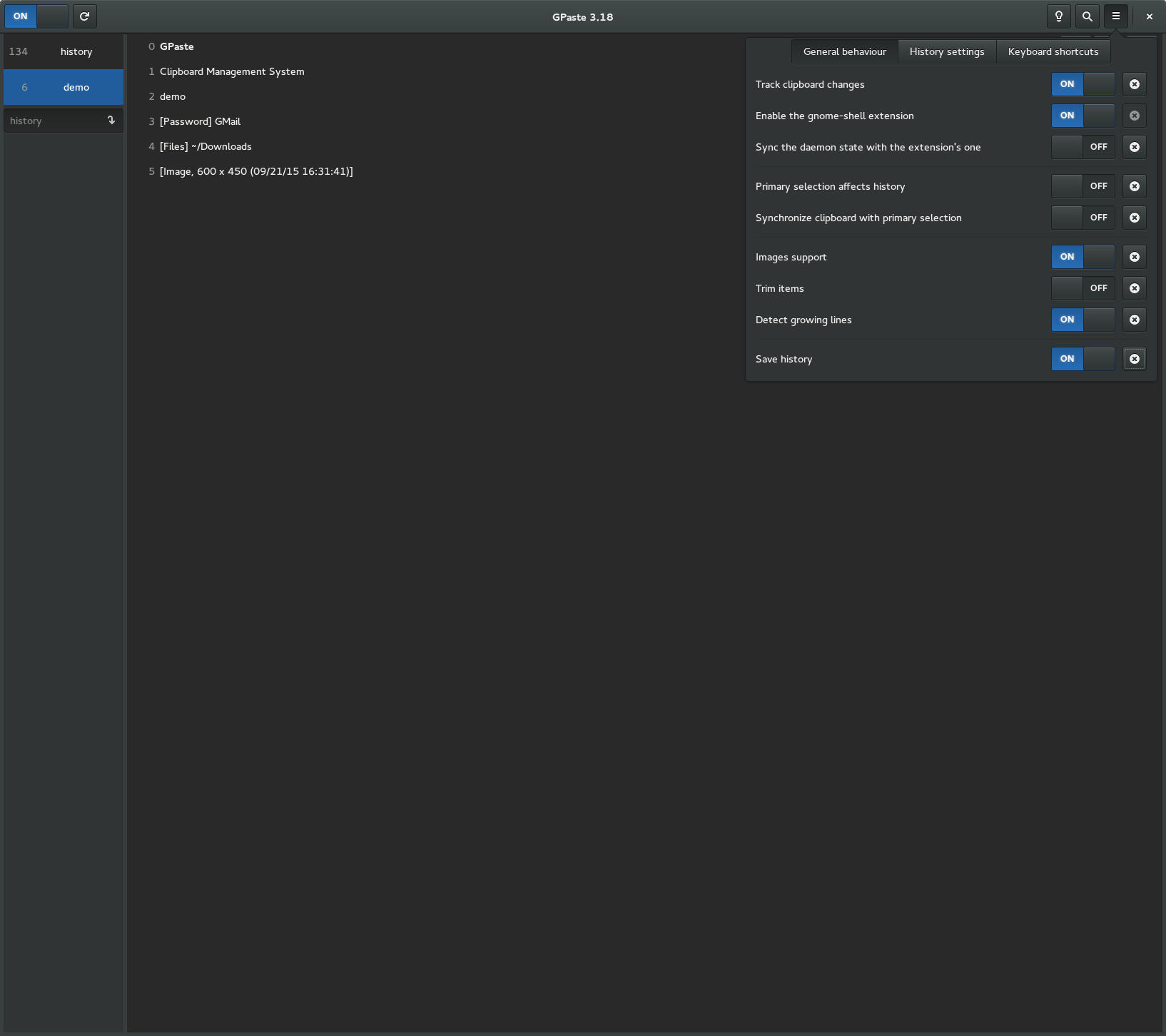
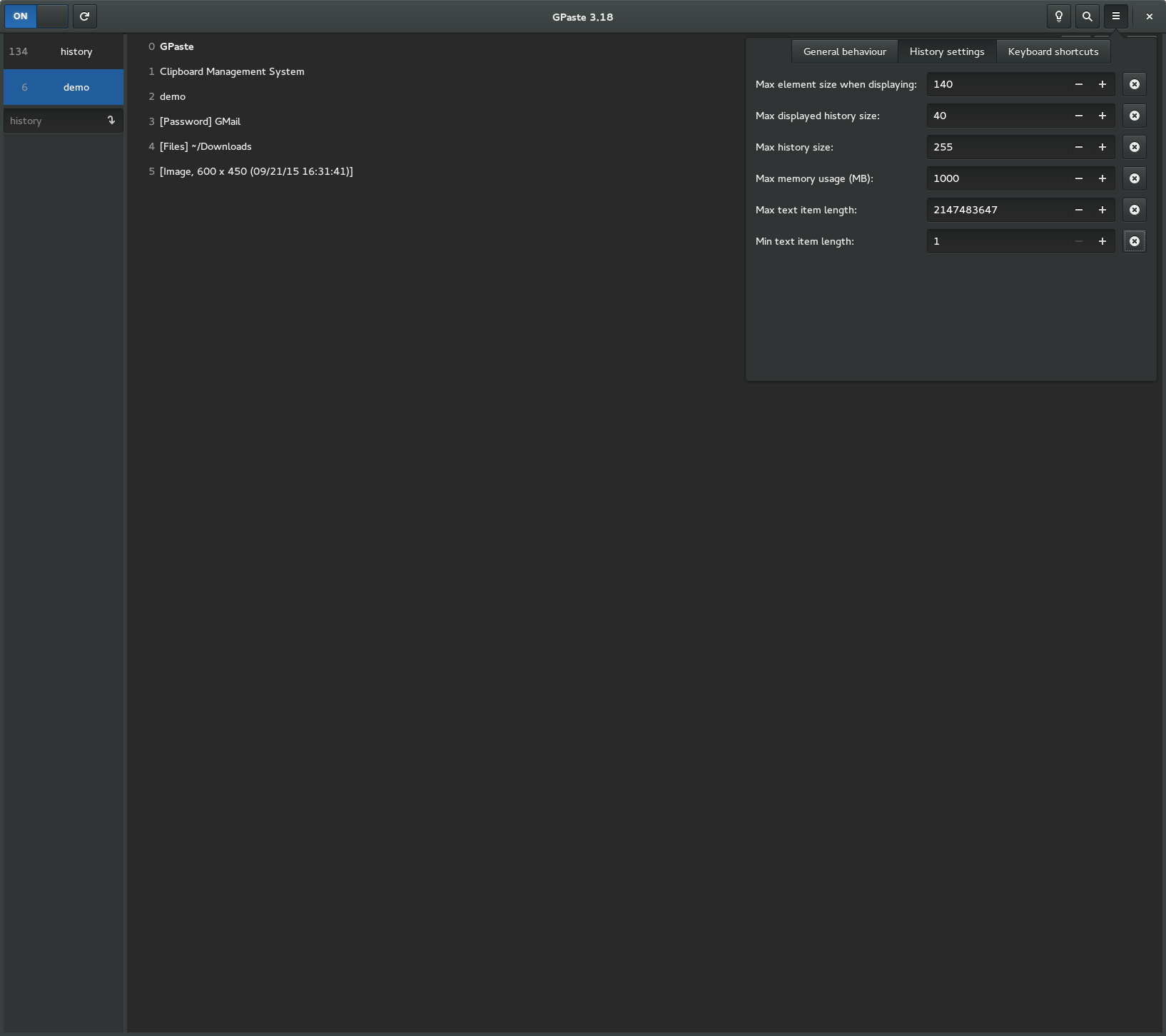
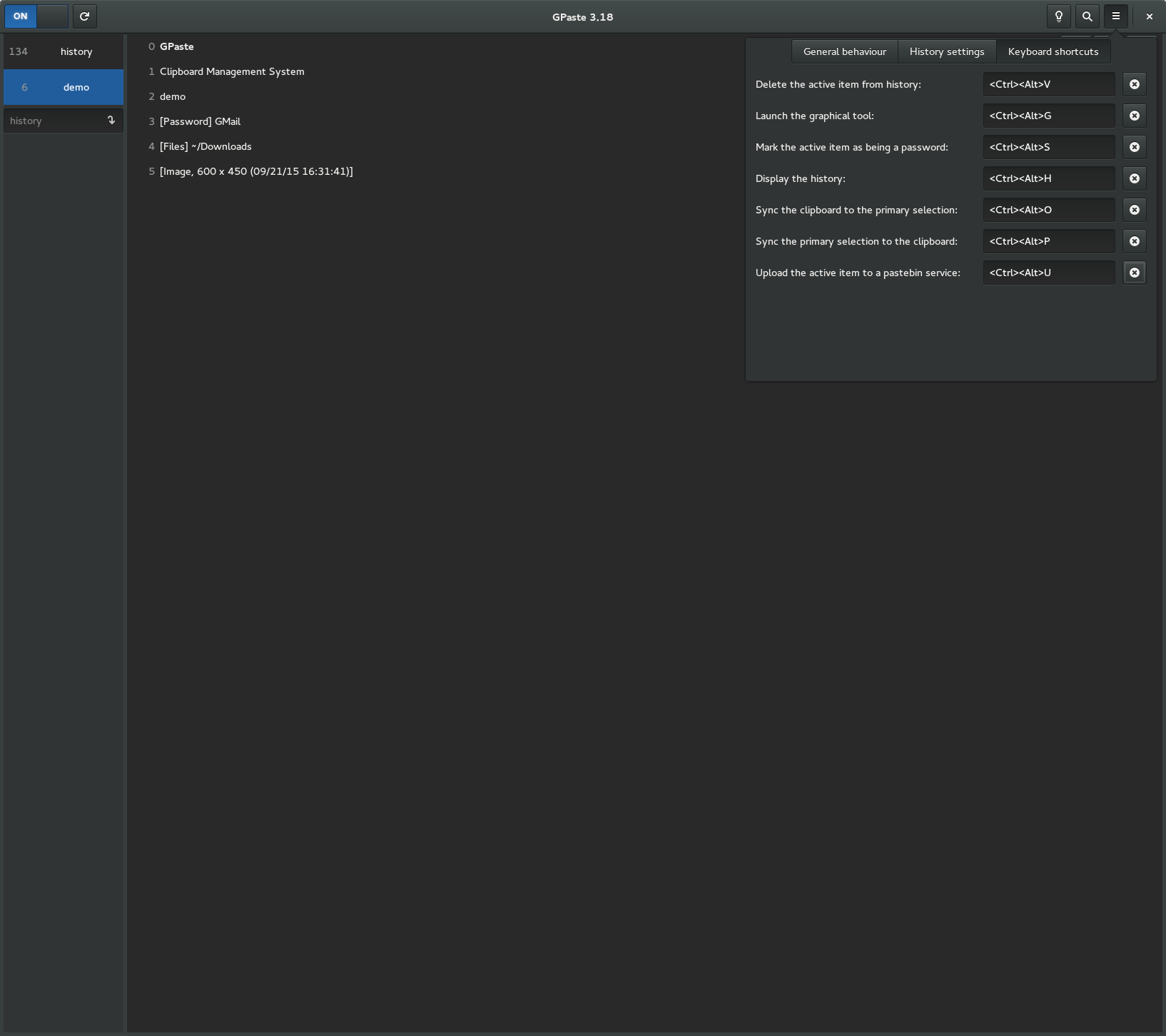
Graphical tool