GPaste 50.0 released
by Marc-Antoine Perennou on June 8, 2026
It’s available there, get it while it’s hot!
This release targets GNOME 50.
If you’re looking for the legacy applet/tray-icon, it’s available here.
What’s new?
This is a major release porting GPaste to GTK 4 and libadwaita.
- Port GPaste to GTK 4 and libadwaita: the daemon, history UI and preferences are now GTK 4 applications; the GTK 3 and GdkPixbuf dependencies (and libgpaste-gtk3) have been dropped
- Show image thumbnails in the history, with settings to toggle previews and choose their size
- Support global keyboard shortcuts on Wayland through the XDG GlobalShortcuts portal (portal → GNOME Shell → internal X11 fallback)
- Recognise colours copied to the clipboard as dedicated colour items
- Track more rich clipboard content (additional special MIME types)
- Give keybindings human-readable descriptions
- Install a desktop file for the daemon (D-Bus activation)
- Fix images sometimes being repeatedly re-added to the history: images are now deduplicated against the whole history and their checksum is persisted
- Fix keyboard shortcuts not triggering when NumLock and CapsLock are both active
- Fix a use-after-free crash in the GNOME Shell search provider
- Fix crashes when interacting with the UI while it is still loading or closing
- Fix crashes in the GNOME Shell extension when it is disabled mid-operation
- Fix a potential crash when enforcing a very small history size
- Fix memory leaks when re-copying items, rebinding shortcuts and around image/UI lifetimes
- Fix the history list staying hidden after a search that first returned no results
- Fix the preferences accepting out-of-range values
- Write the history file atomically to reduce corruption risk
- GNOME Shell extension: retry the daemon connection before giving up, and modernise the JavaScript to current GNOME Shell conventions
- Numerous internal modernisations (async I/O via GTask, GSignalGroup, static GSettings schema)
And don’t forget to run gpaste-client dr aka gpaste-client daemon-reexec after upgrading GPaste to activate new functionalities ;)
You can then run gpaste-client daemon-version to check that the correct daemon is running.
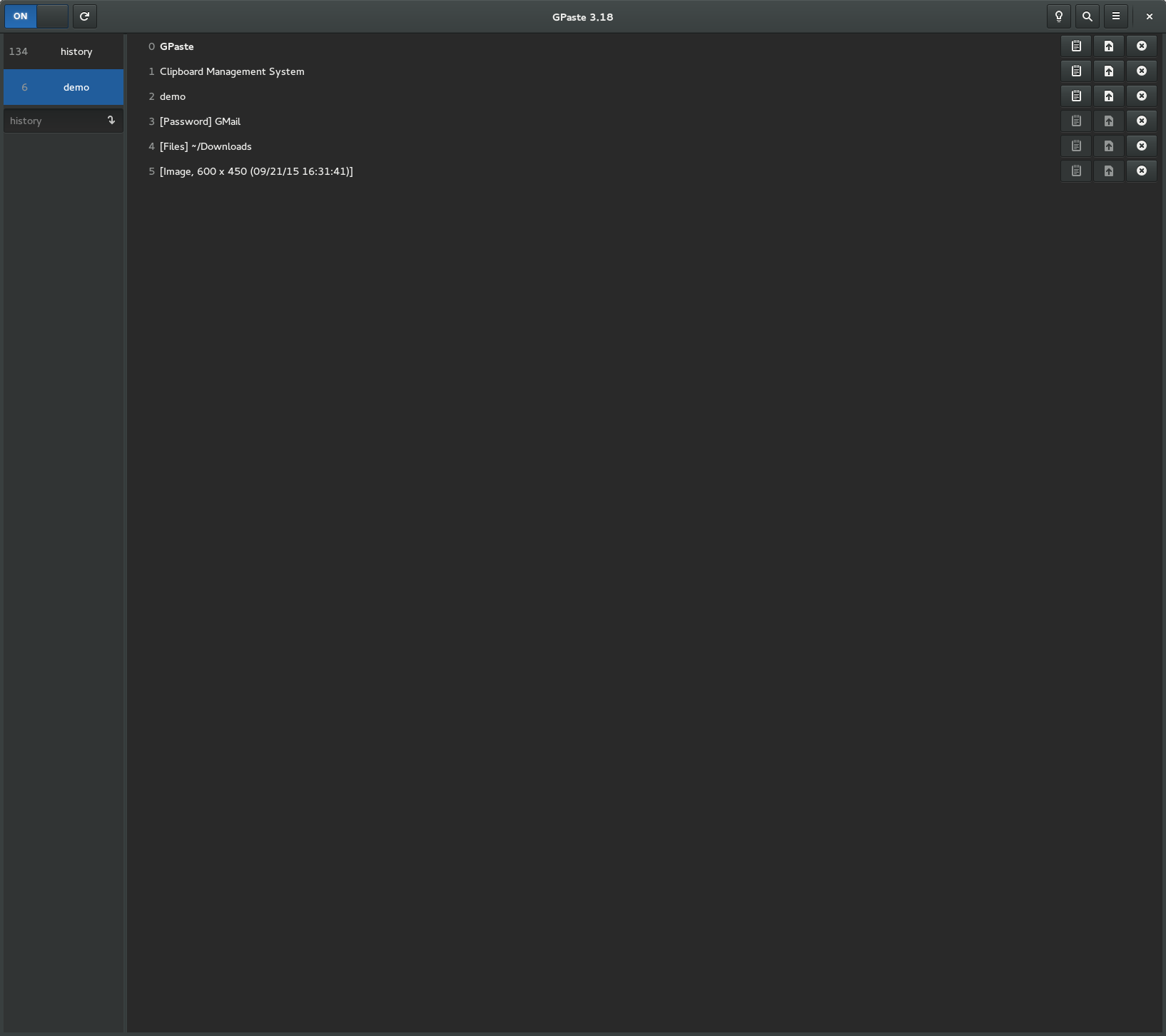
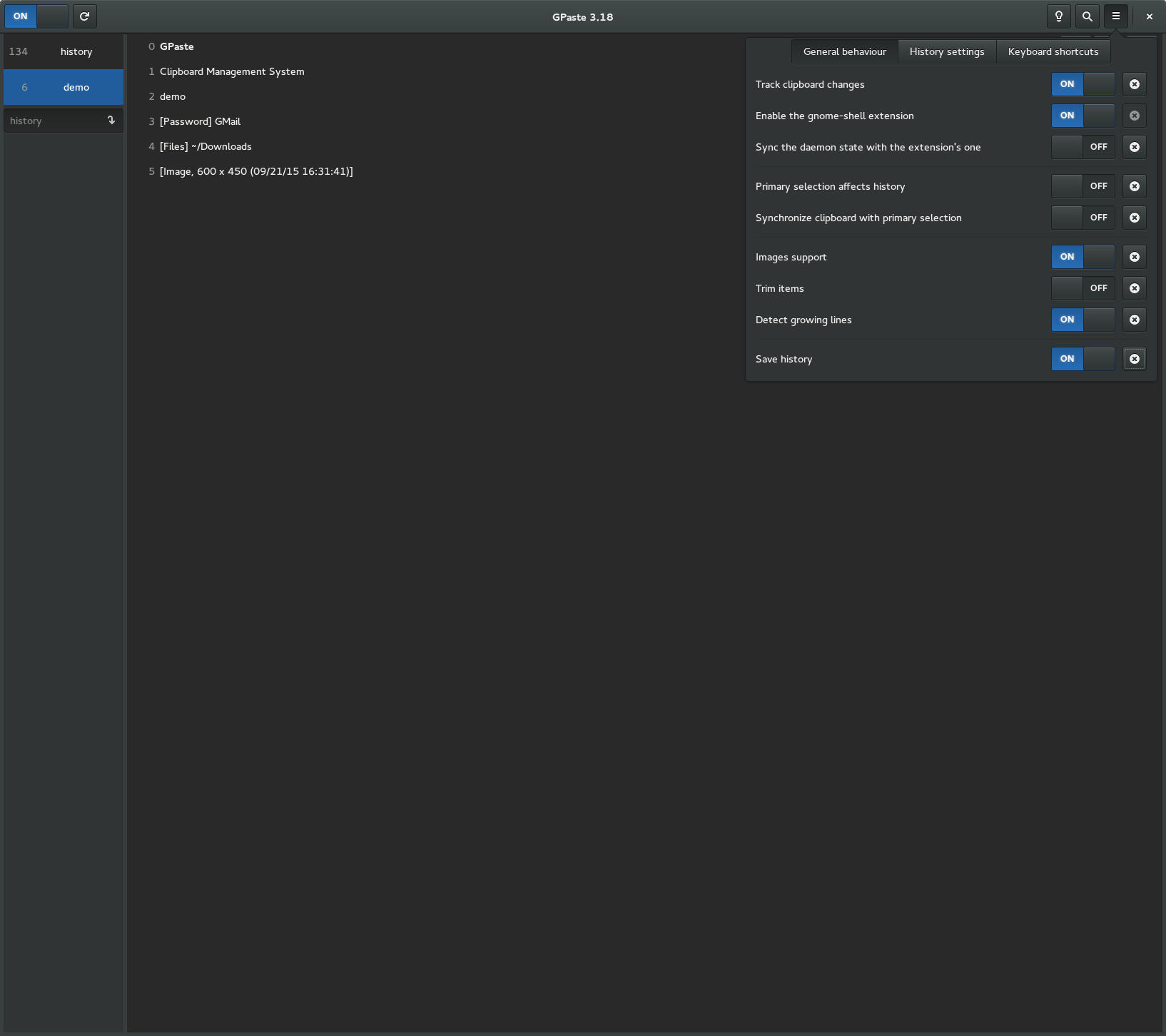
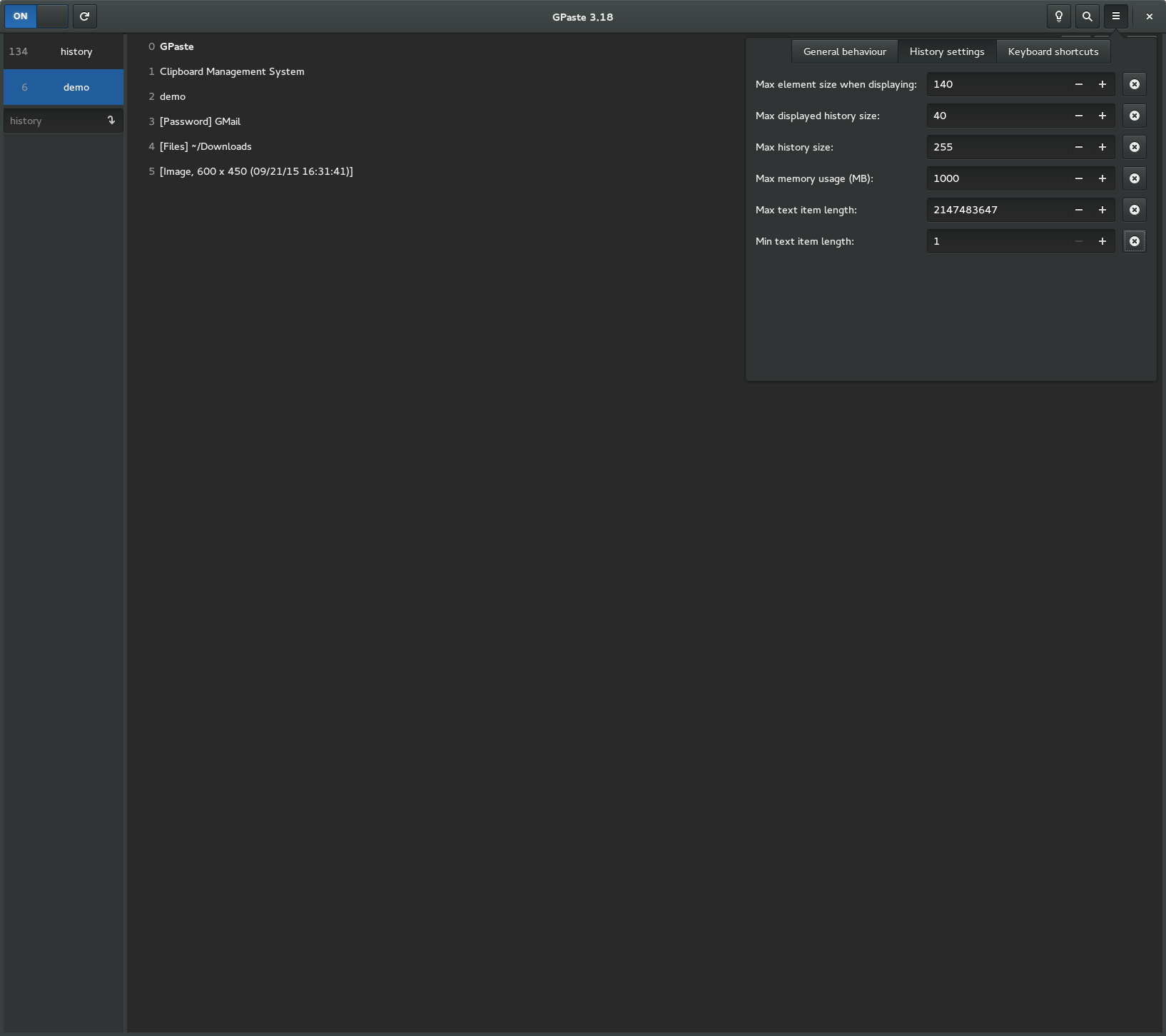
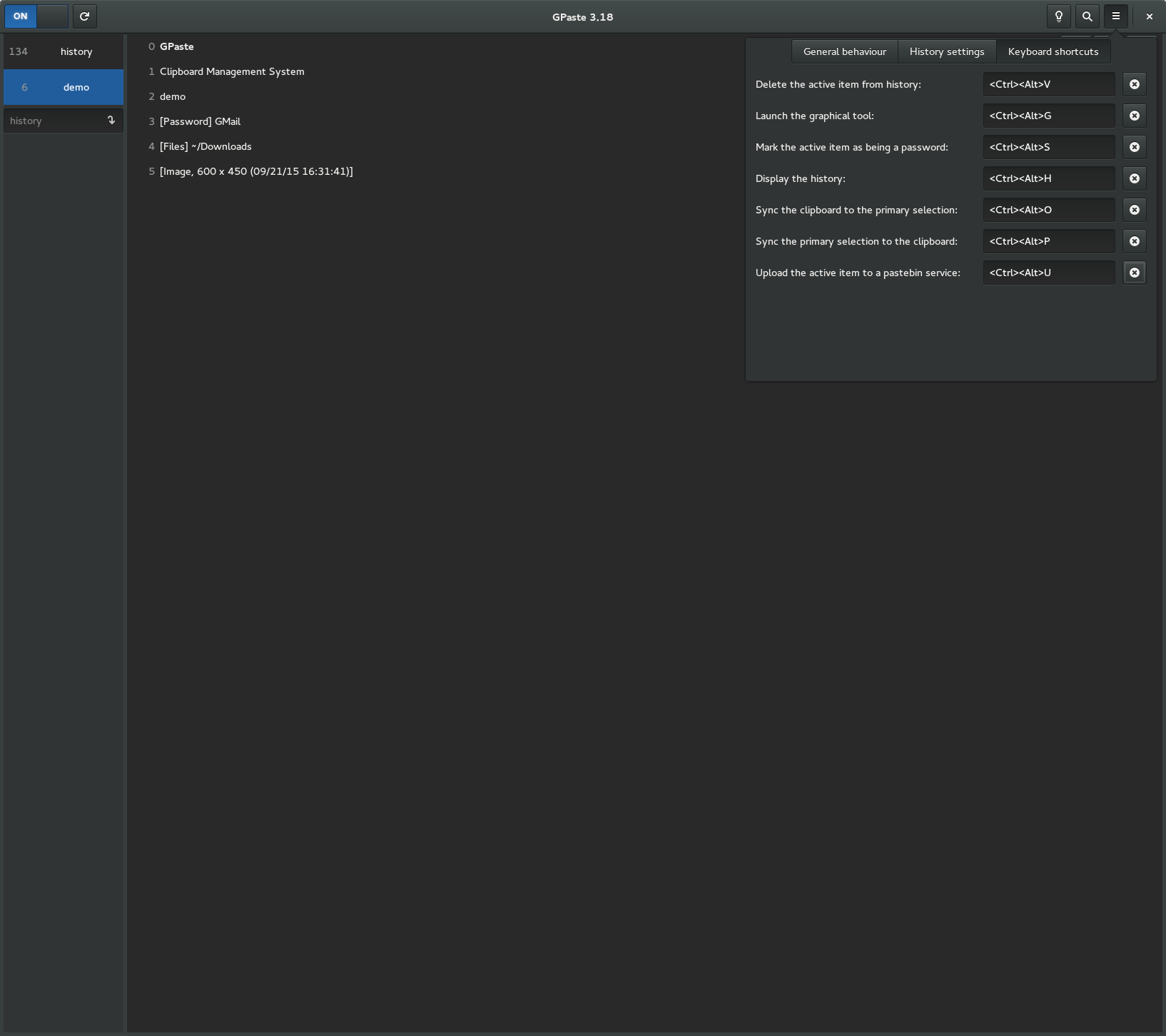
Screenshots
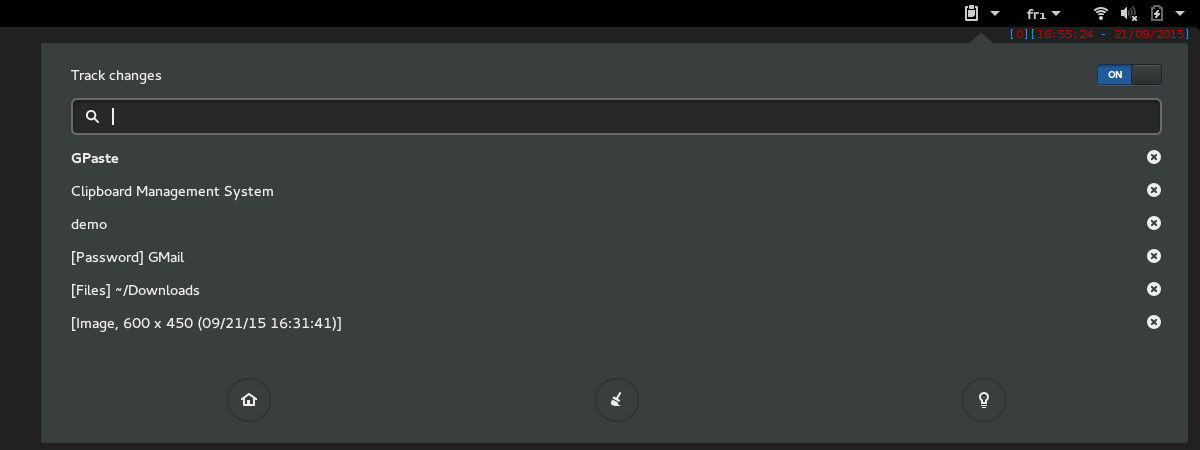
Gnome-shell extension
Graphical tool